



Memoory
Recording and sharing stories on mobile.

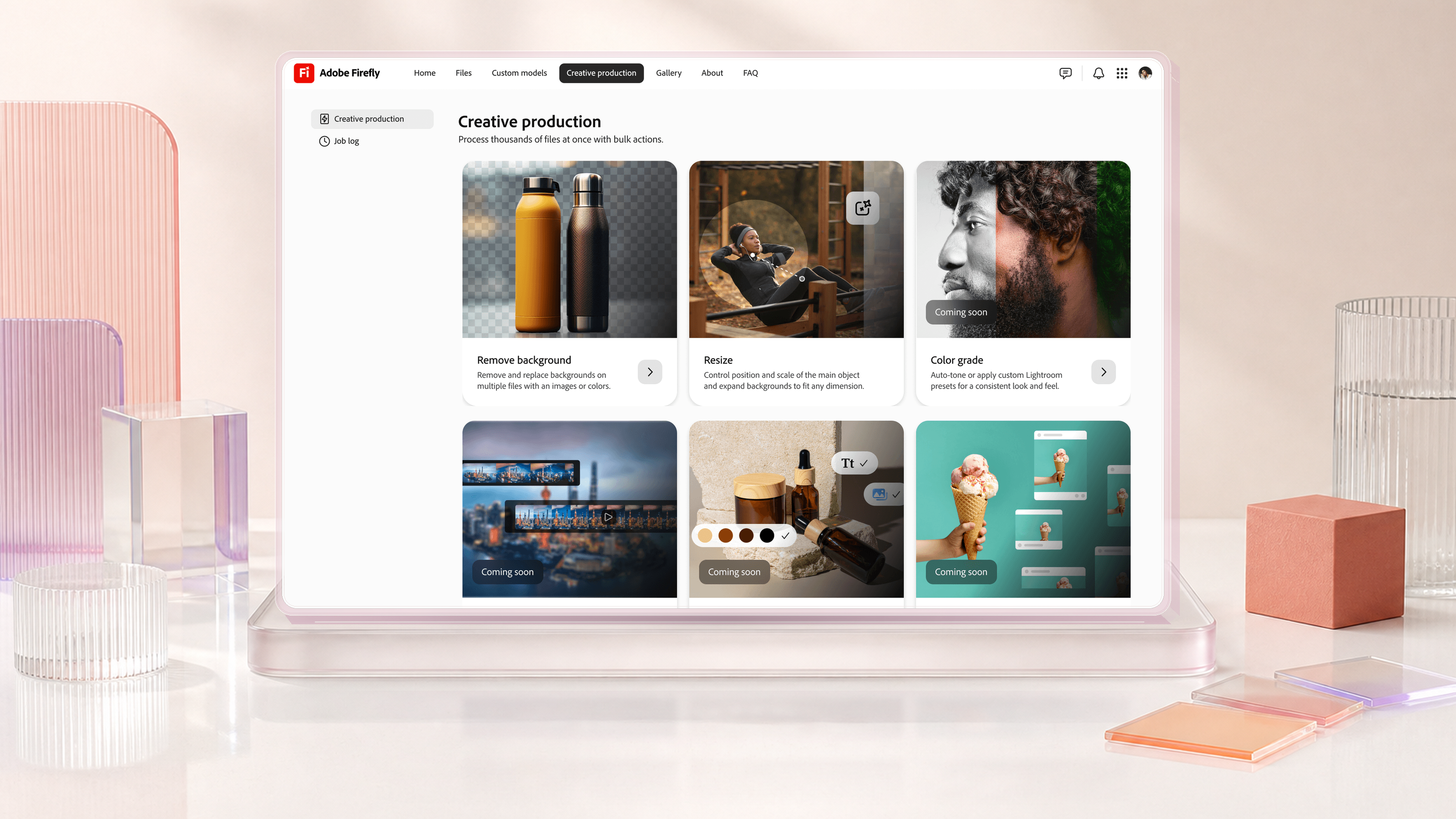
I designed vidIQ’s first end-to-end agentic product experience, connecting onboarding, discovery, AI coaching and content generation on mobile.
Overview
Product direction, onboarding, discovery, AI coaching, content planning and the mobile component system.
Team: vidIQ
Problem
Creators need to judge audience fit, choose an angle and plan production. Generic AI suggestions give them little context or control over what comes next.
Solution
Connect channel context, discovery and AI coaching in one mobile flow. Let creators refine the title, outline and script before saving a plan.
First use
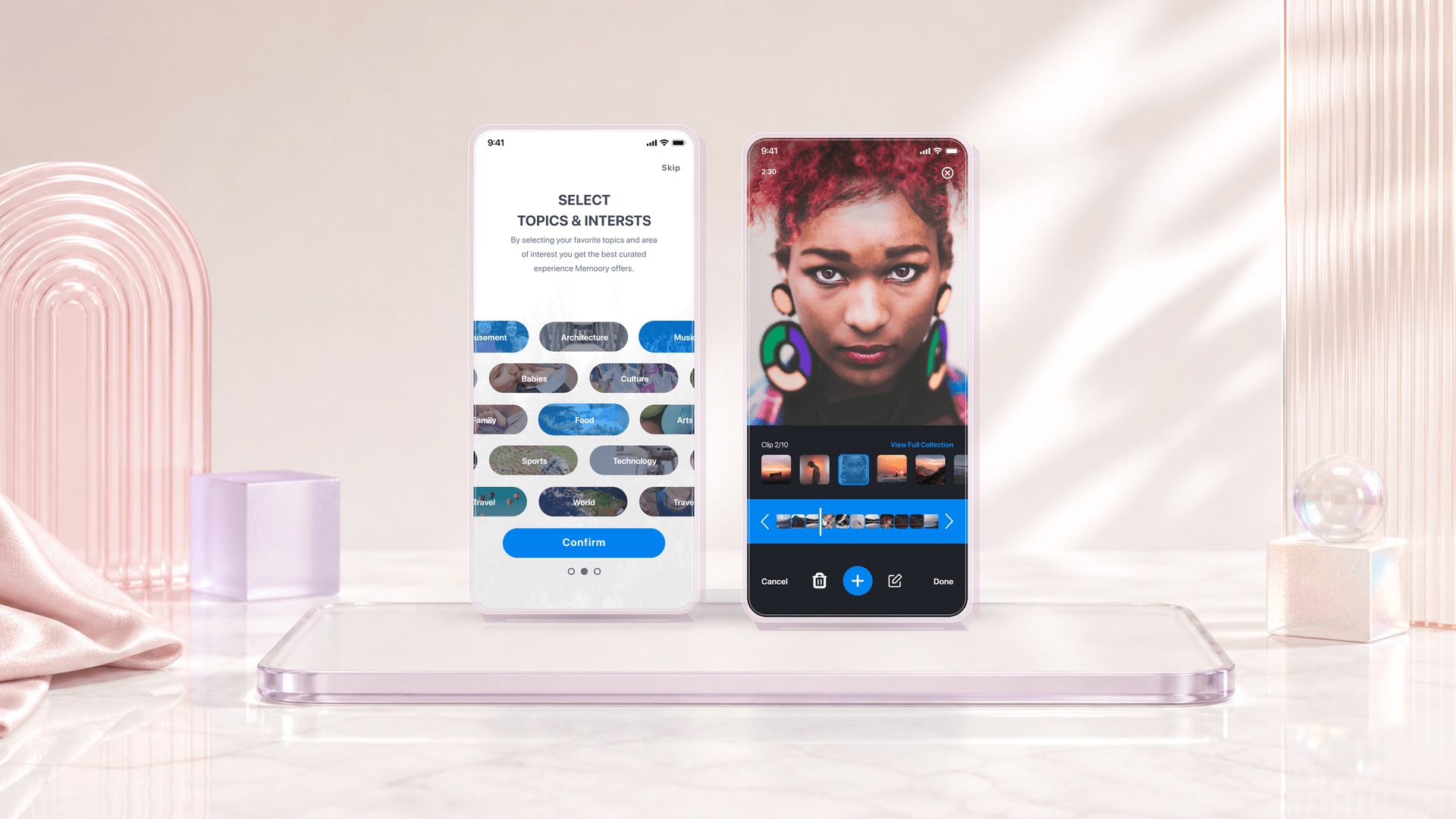
Connect a channel or choose interests manually. The interest route previews ideas so creators can confirm or correct the direction.
Creative control
Separate the title, length, outline and script. This adds steps, but makes each decision easier to inspect and change.
Trust
Distinguish general guidance from channel-specific analysis. Show access requirements at the moment they affect the answer.
The central tradeoff is speed versus authorship. A generated plan is useful when a creator can recognize their intent, inspect the choices and change the result. Confirmation, editing and recovery therefore belong inside the main flow.
Activation
Measure the share of new creators who save or edit a plan, and the time it takes. Compare the connected-channel and interest-only paths.
Understanding
Ask creators to explain what informed a recommendation and which channel data the coach can access. Check whether they can correct an unsuitable answer.
Return use
Track whether creators reopen and revise a saved plan within seven days. Pair that signal with sessions observing how people recover their context.
| Product | Research pattern | Design consideration |
|---|---|---|
| vidIQ12 | Channel context, keyword demand and related videos. | Show why an idea fits and what its score represents. |
| YouTube Studio3 | Audience searches, breakout videos and content gaps. | Keep the audience signal visible when an idea is saved. |
| TubeBuddy4 | Keyword scores, competition and related searches. | Make a summary score inspectable before the creator commits. |
| 1of105 | Outlier research, visual similarity and saved references. | Keep an example together with the reason it is useful. |
| Viewstats6 | Collections of references, titles, thumbnails and notes. | Keep research notes alongside title and thumbnail options. |
Observed October 18, 2026. Daily usage is company-reported; the U.S. App Store rating reflects approximately 20K ratings. These are product-level signals, not a measured impact of my design work.
| Date | Public milestone |
|---|---|
| January 2024 | vidIQ acquired Creator Now, extending its creator education and community offering.9 |
| October 2024 | Amplitude named vidIQ one of its five Next Hottest Products in media and entertainment.12 |
| June 2025 | The Summer Drop introduced an AI Script Writer and expanded thumbnail, Shorts research and optimization tools.10 |
| October 2025 | AI Coach gained Deep Thinking for more detailed analysis and channel strategy.14 |
| October 2026 | The iOS release notes describe sharing videos and links into AI Coach, alongside Instagram connection improvements.8 |
Four product wireframes. Scroll horizontally, or use the left and right arrow keys. Home and End move to the first and last screen.
AI coachA one-person studio for under $100
Explore ideaAI coachSelect a video to improve
AI coachOne short lesson. A daily learning goal.
AI coachYour context carries into recommendations and coaching.
Creator context
Connect a channel or supply a few interests. Topics narrow as creators make choices, so the manual route can establish context without account access.
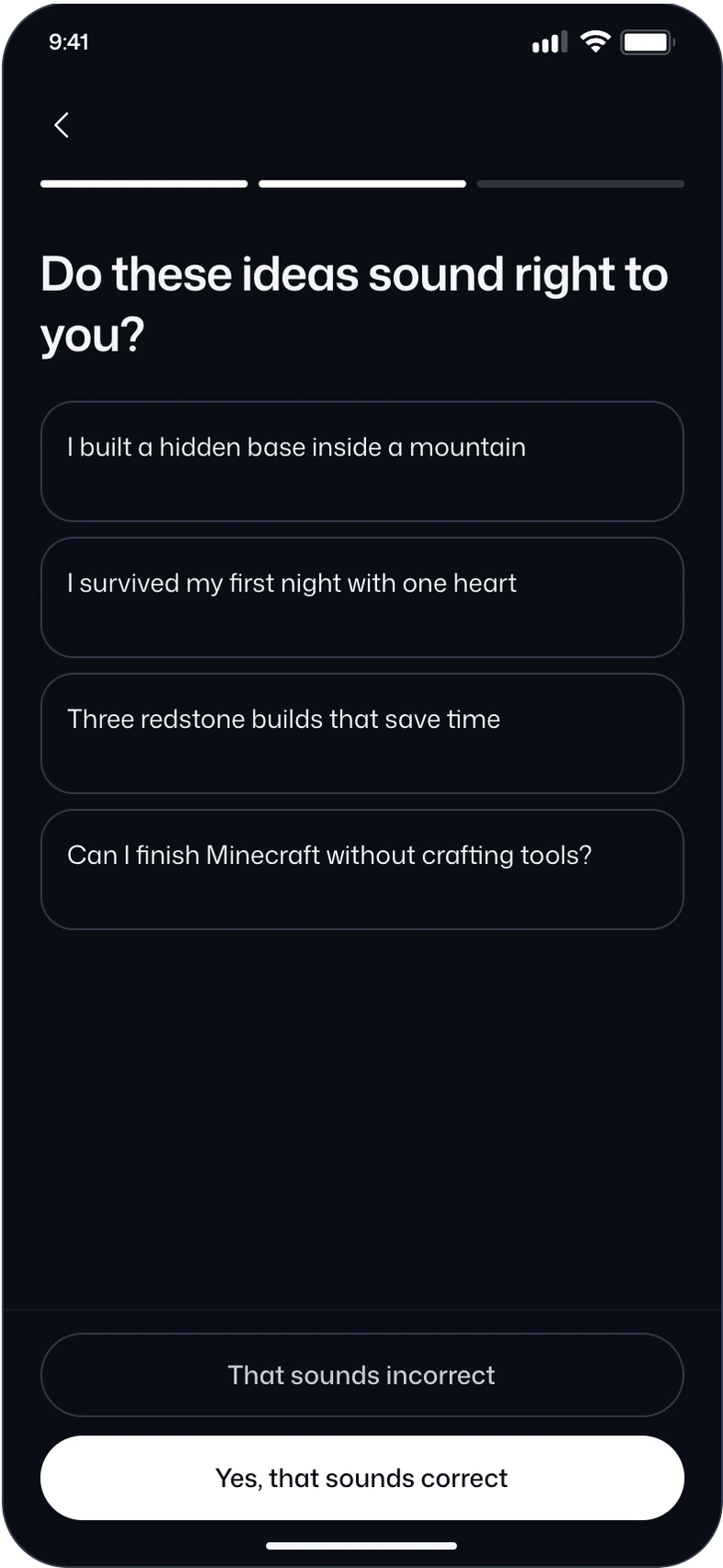
The first ideas make the system’s interpretation visible. Creators can confirm, correct or go back without losing their selected topics.
Discovery
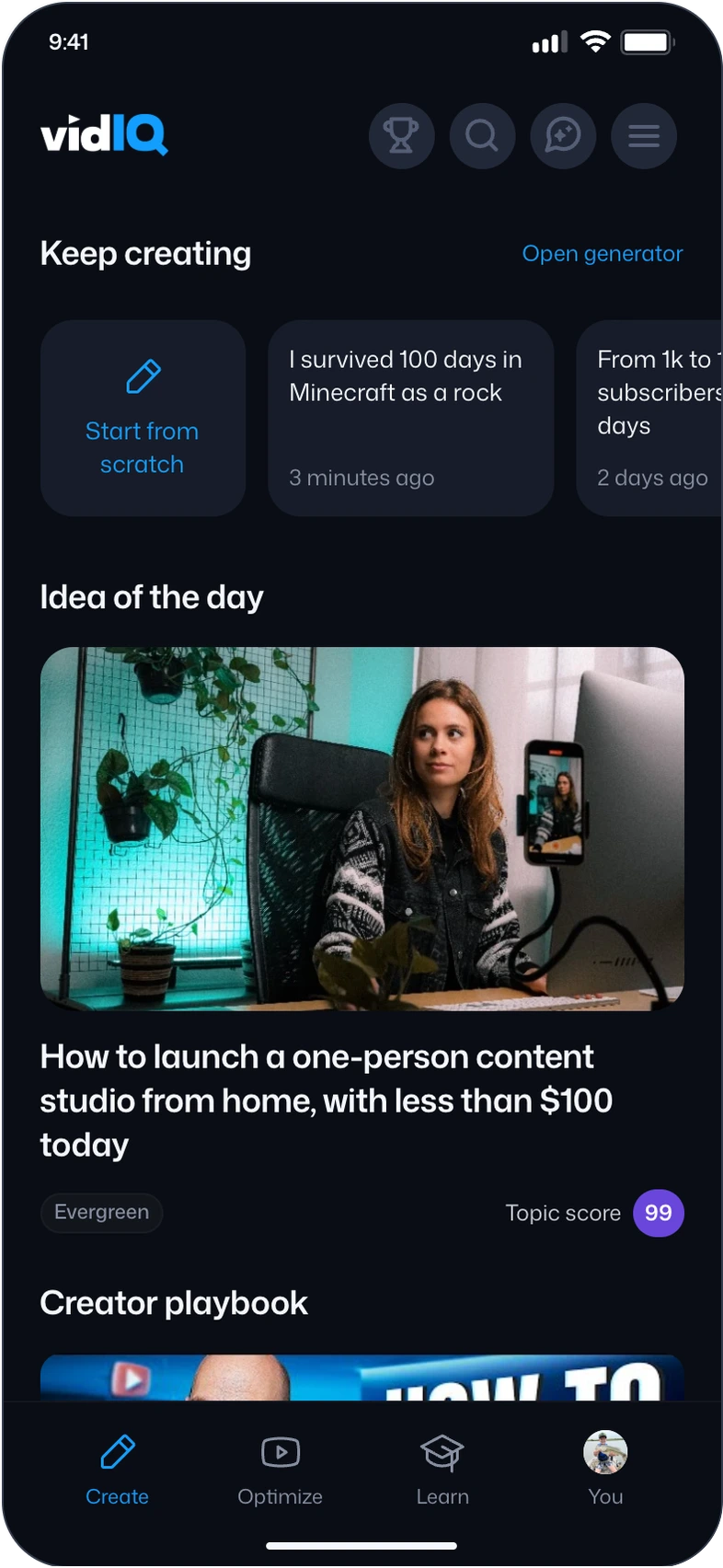
Drafts stay at the top of the feed. Recommendations are grouped by their reason for being relevant: a trend, an outlier, an evergreen topic or a gap in existing content.
Open an idea to inspect its context. Saving a reference and continuing to a plan are separate actions, so browsing does not commit the creator.

Video planning
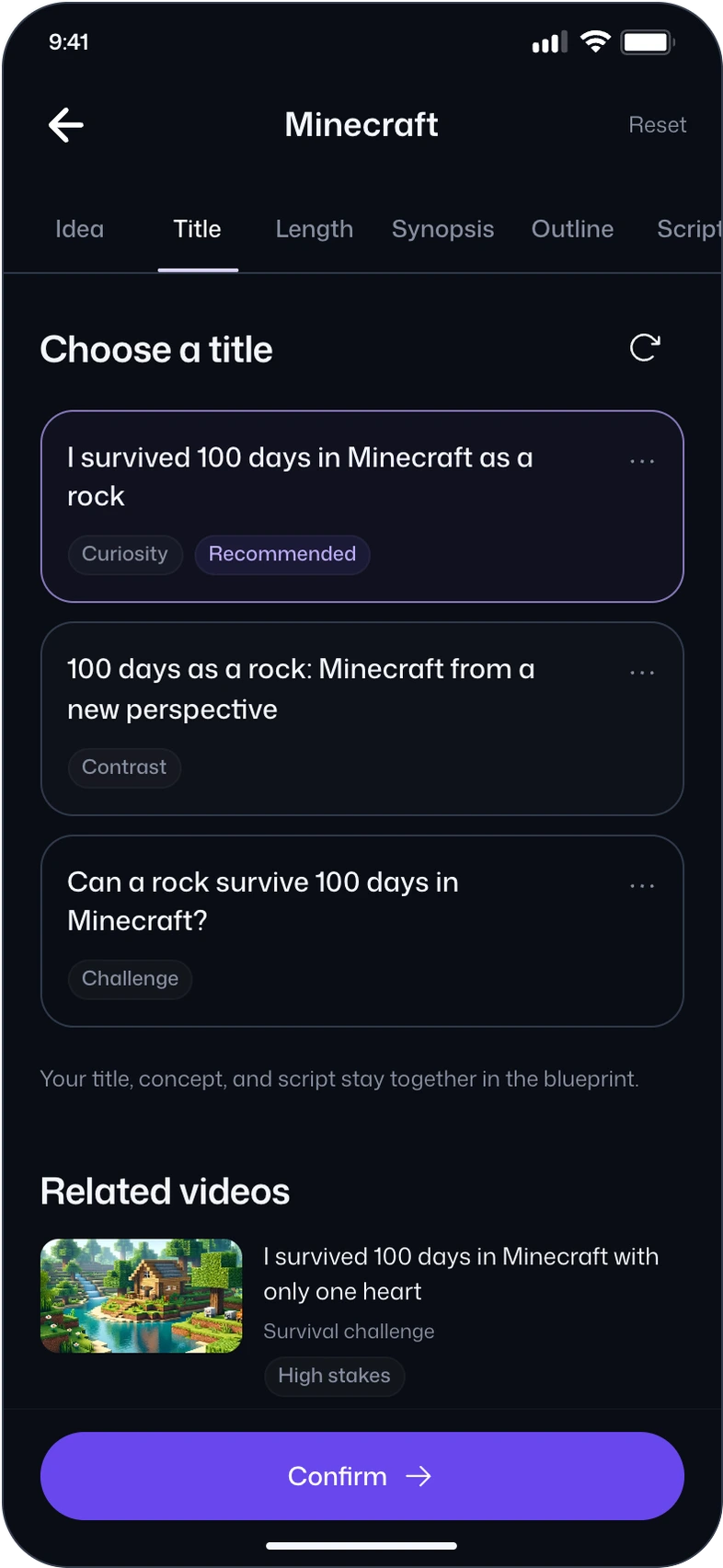
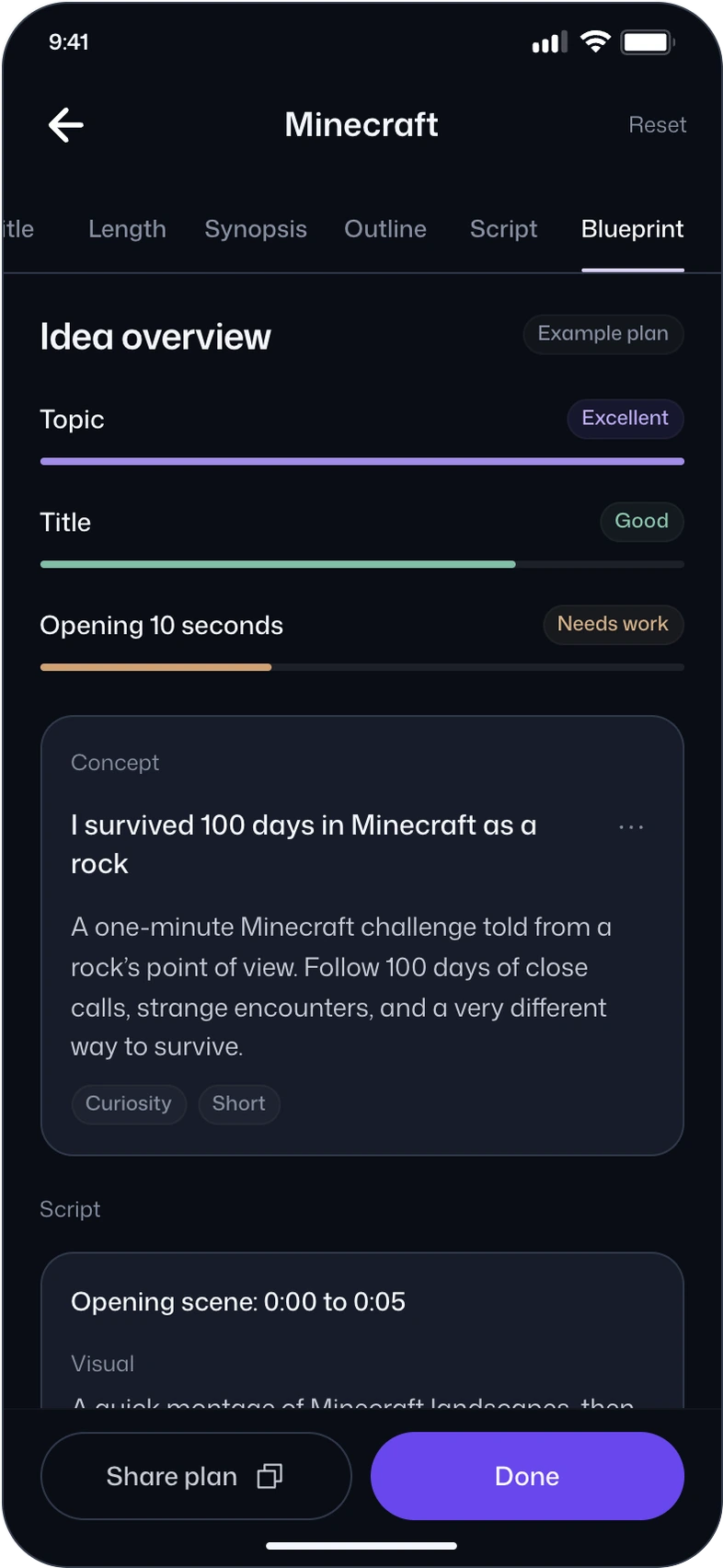
Seven stages give a complex task a manageable sequence. The idea, title, length, synopsis, outline and script remain connected through to the blueprint.
Revise one section, compare an alternative or undo the edit. Then review the timed script, add a sample upload reminder or copy the plan to share it.
Your title, concept, and script stay together in the blueprint.
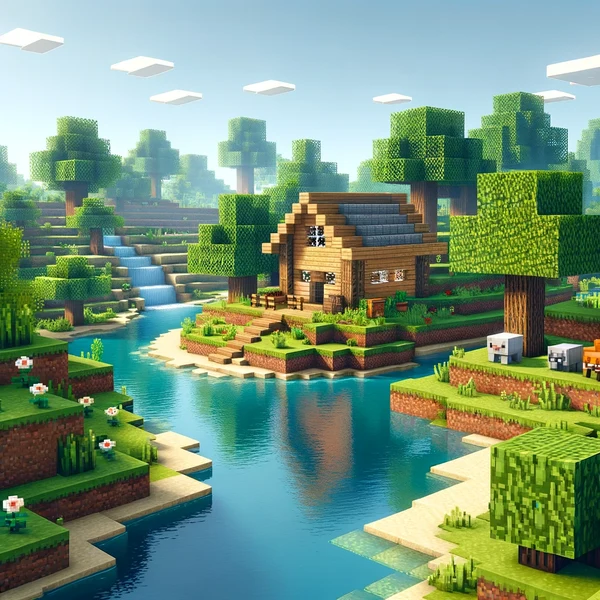
I survived 100 days in Minecraft with only one heart
AI coaching
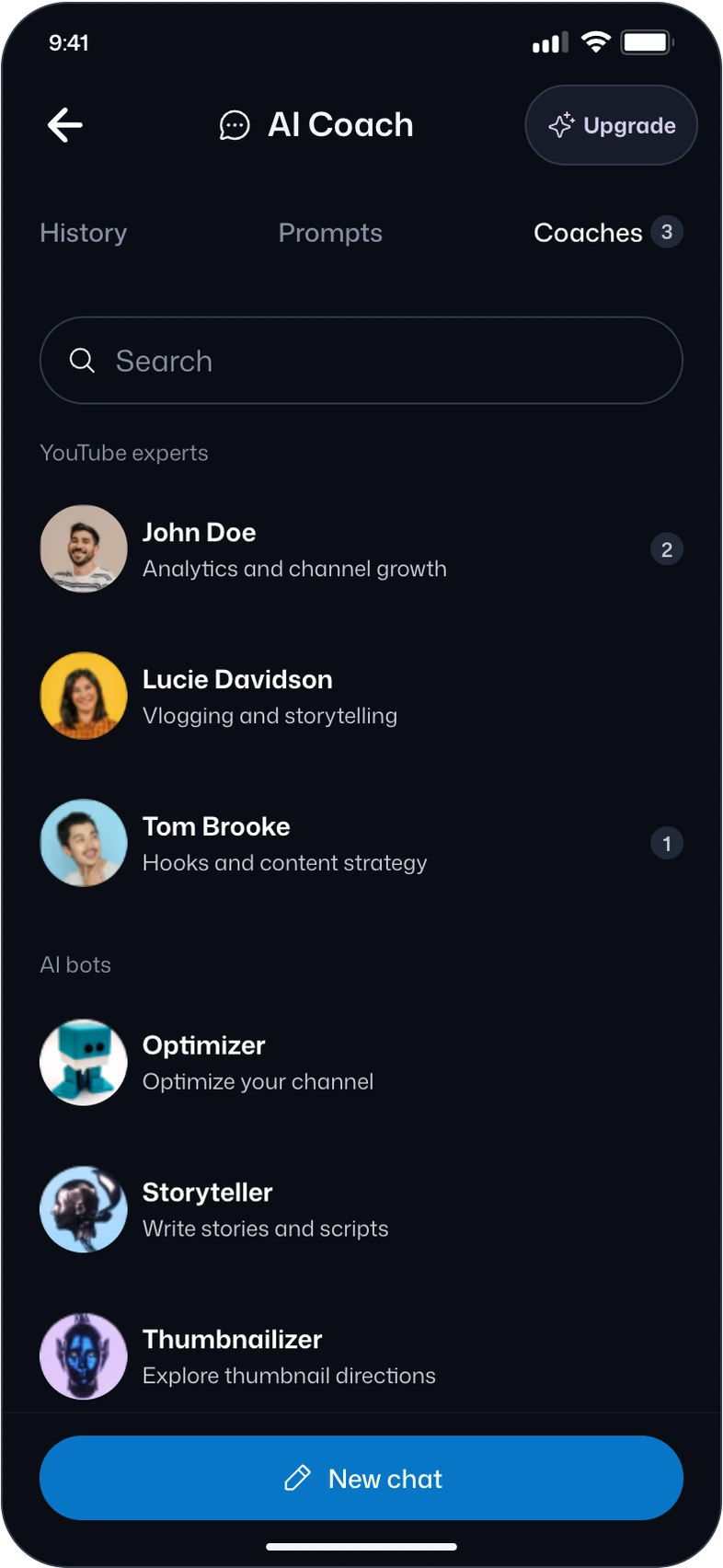
Prompts and specialist coaches offer different starting points. Searchable history brings creators back to useful conversations without repeating the setup.
Channel-specific questions expose an access boundary. The response states what information is missing before offering general guidance.
Your next video starts here
Title · 23 px / 600Choose an idea and make it your own.
Body · 14 px / 400Saved to your ideas
Label · 12 px / 400One radius for controls. One for content.
44 × 44 px minimum touch target.
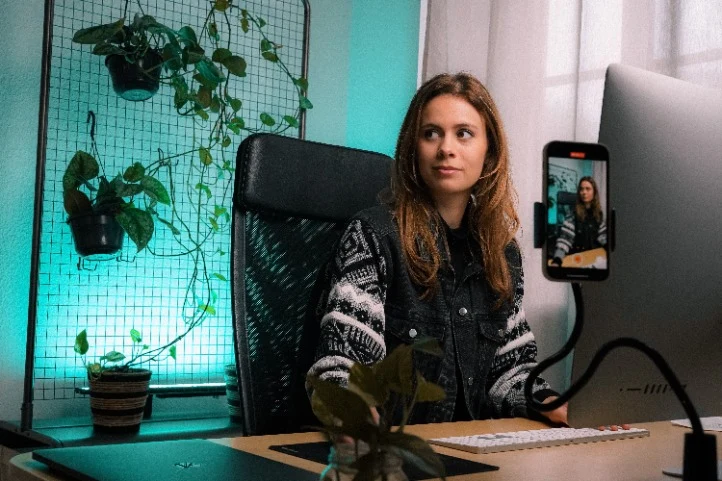
How to launch a one-person content studio from home, with less than $100 today
Selected topics
Refine your topic
Help me plan my next video.
Open on the transformation: one player becomes a rock.
Show a creeper walking past before you explain the rules.
Review ideas and correct the context.
Browse recommendations and unfinished work.
Compare angles before building the plan.
Keep the concept, script and next steps together.
Find expertise for a specific creator task.