AI creative workflow builder for Adobe Firefly.
I led enterprise discovery, prototyping and product design for reusable workflows, batch image editing and collaborative canvases.
- Enterprise
- GenAI
- SaaS
- Design Systems
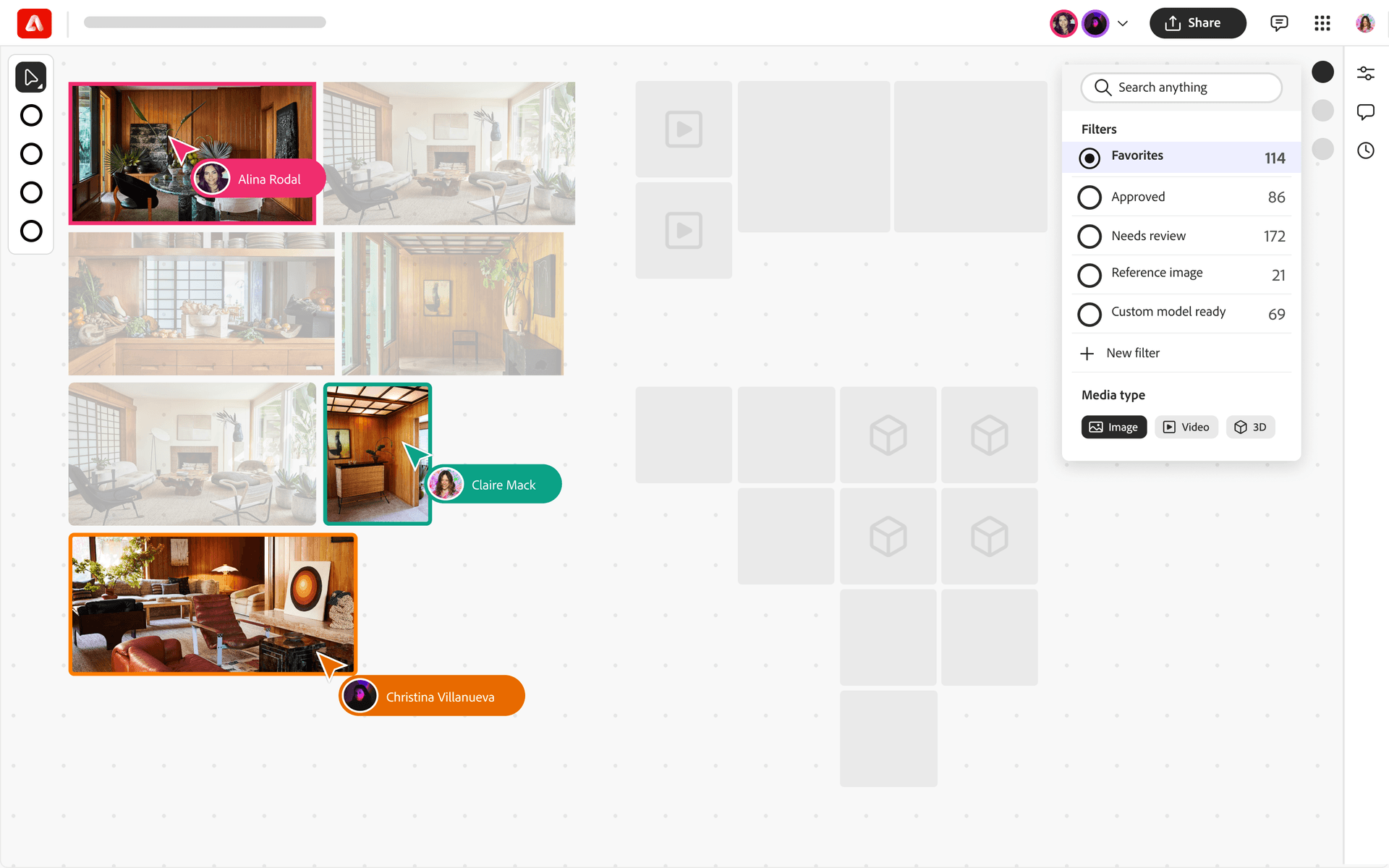
Project overview
Overview
From AI access to a production workflow
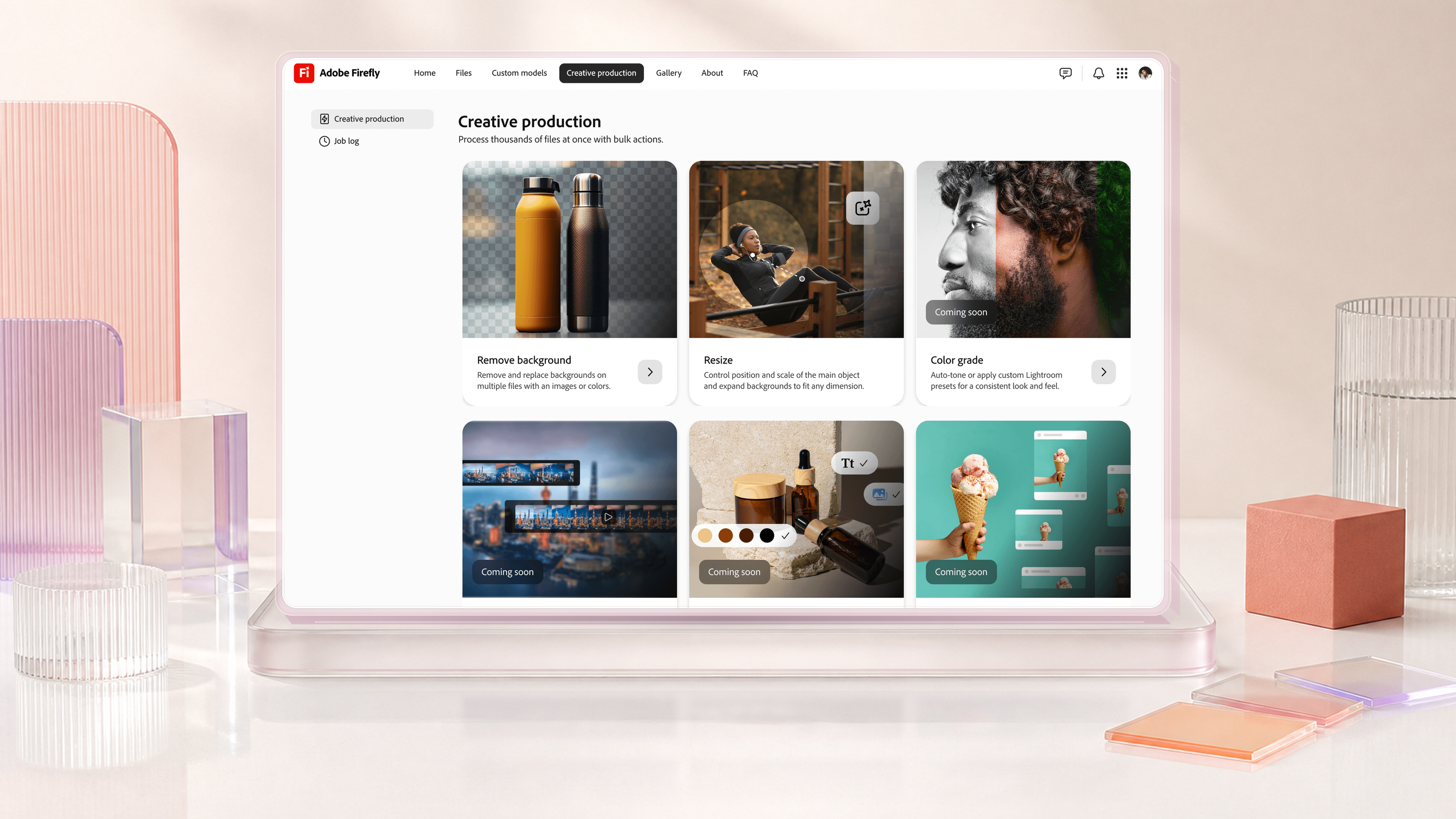
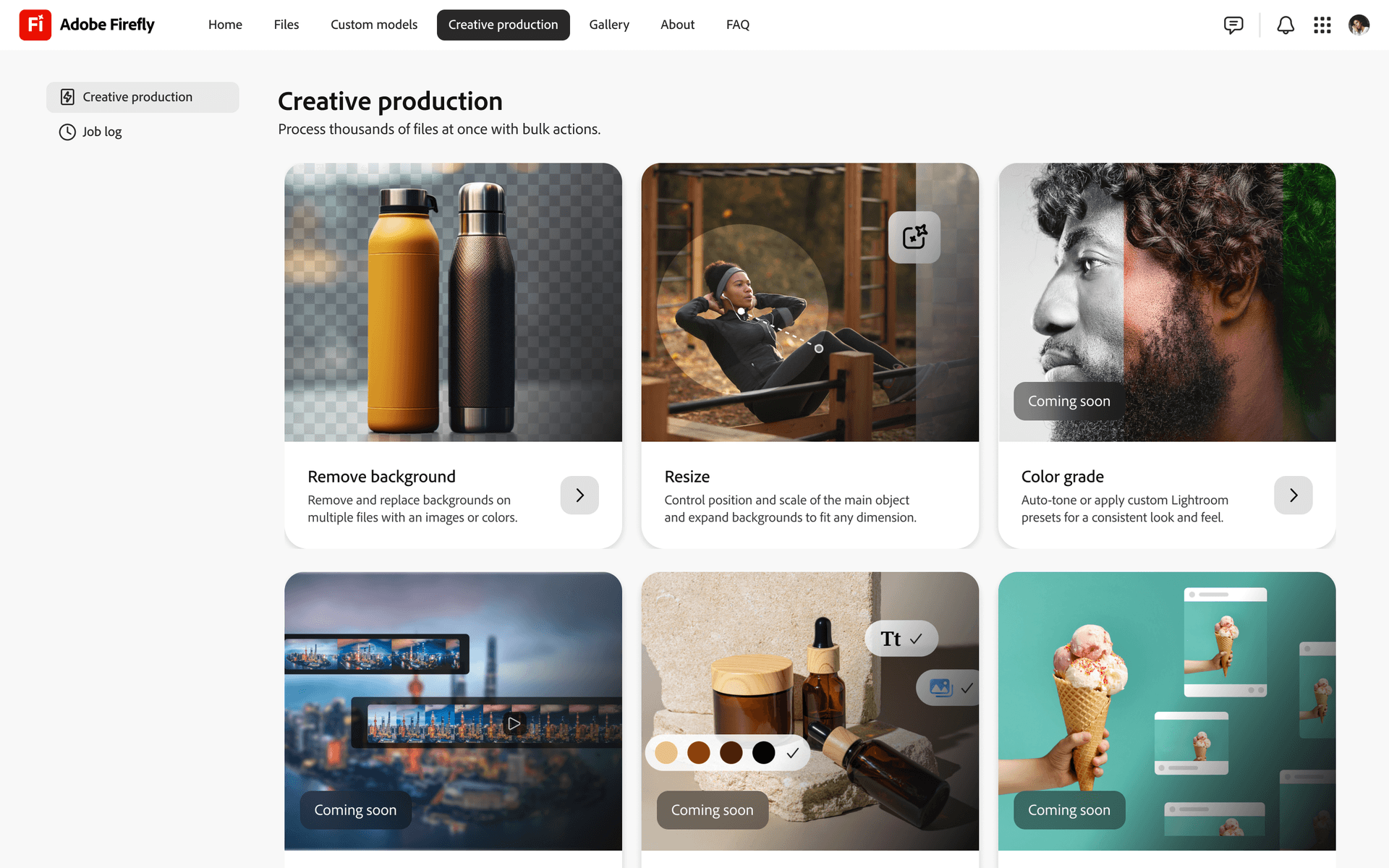
Enterprise Firefly tools for bulk image processing, collaborative review, and reusable campaign workflows.
Role
Product Design Lead
Product structure, bulk production flows, shared UI patterns and the Adobe MAX launch story.
Team: AI researcher, solution architect, lead engineer, PM, UX researcher
Problem
Production required manual handoffs
Enterprise teams could generate assets, but bulk production still required manual handoffs between generation, review and delivery. The product needed to connect those steps in a repeatable workflow.Solution
One workflow from generation to delivery
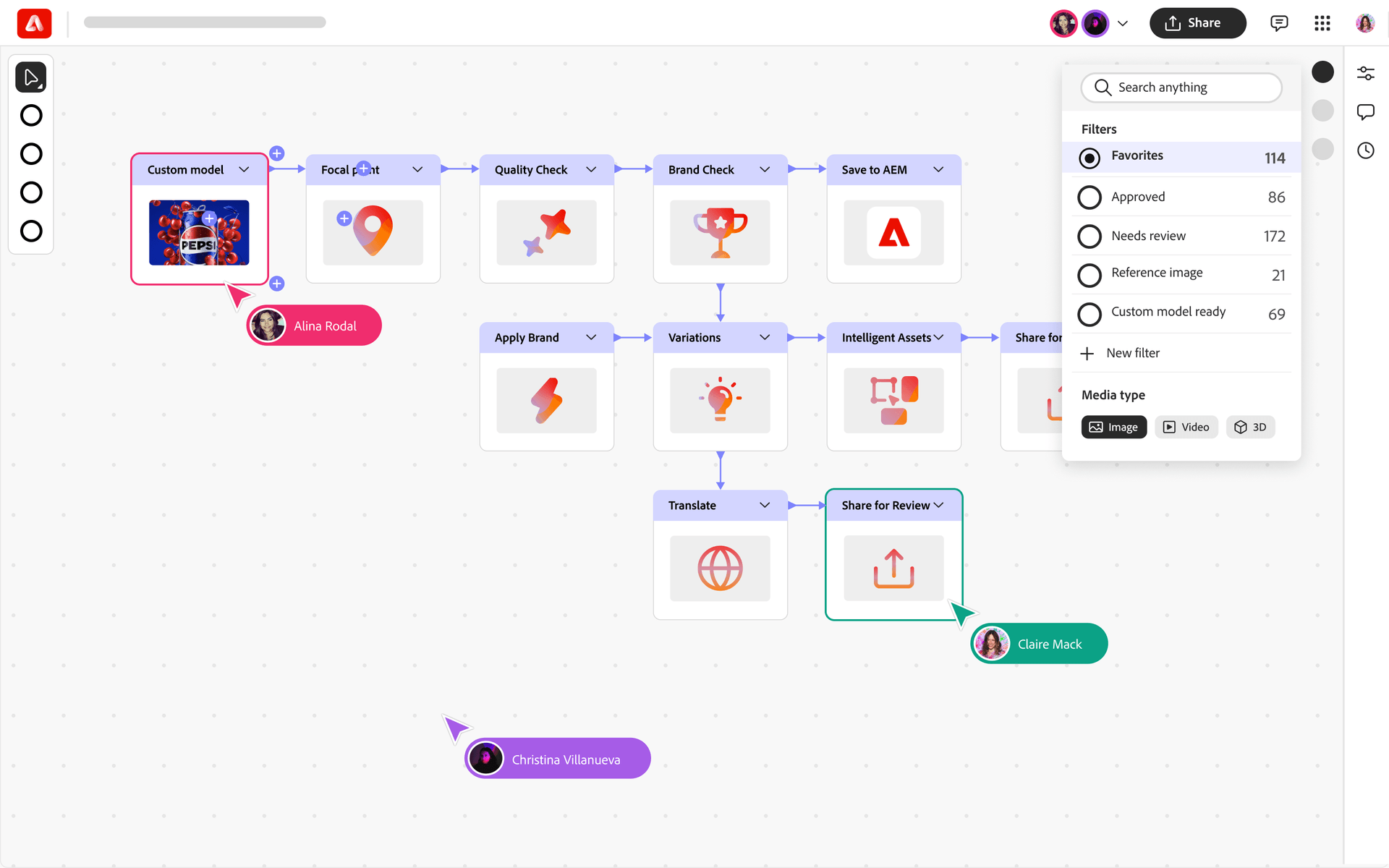
Connect bulk generation, review, and workflow automation so enterprise teams can produce campaign assets with Firefly.
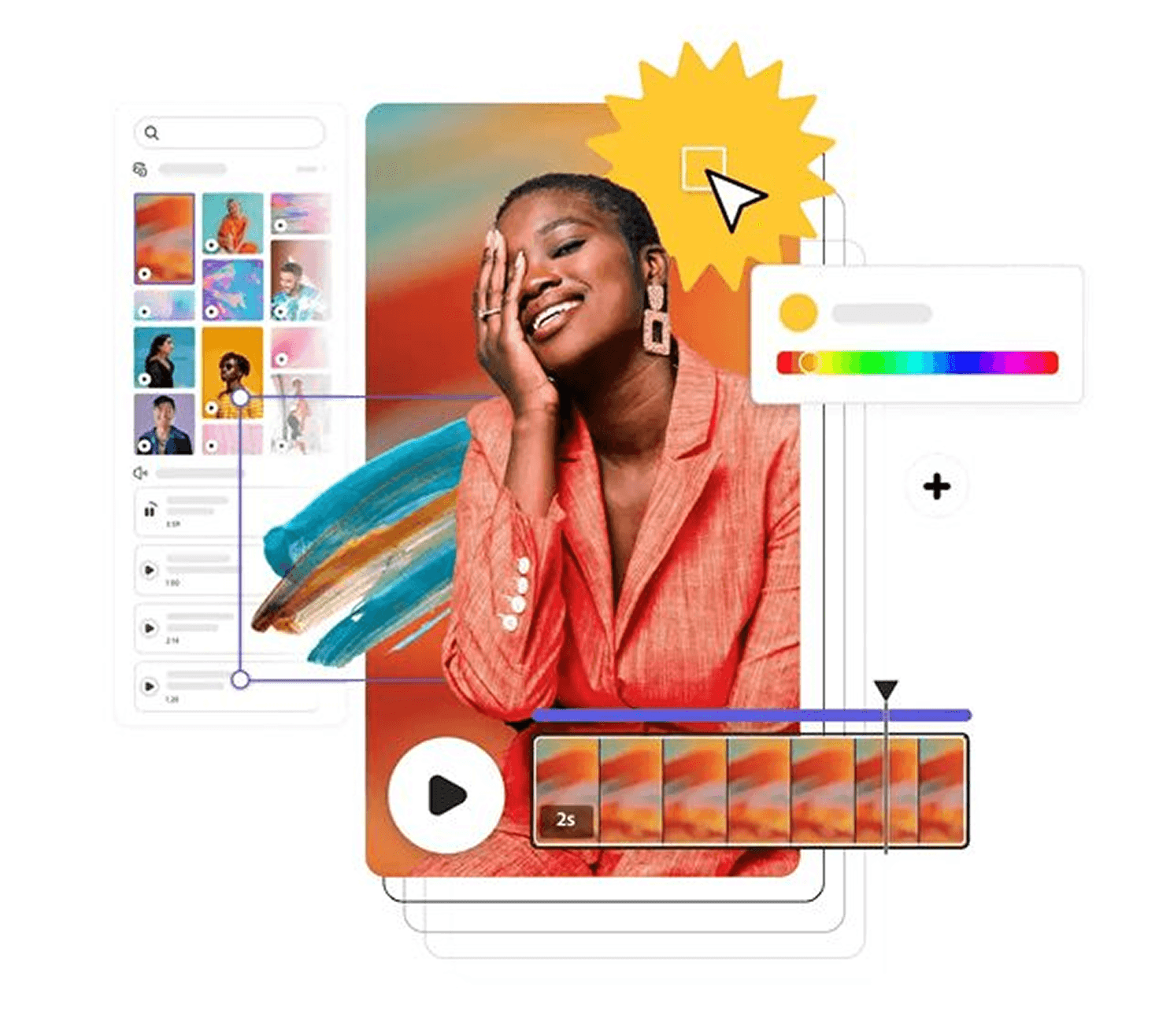
Research with enterprise customers
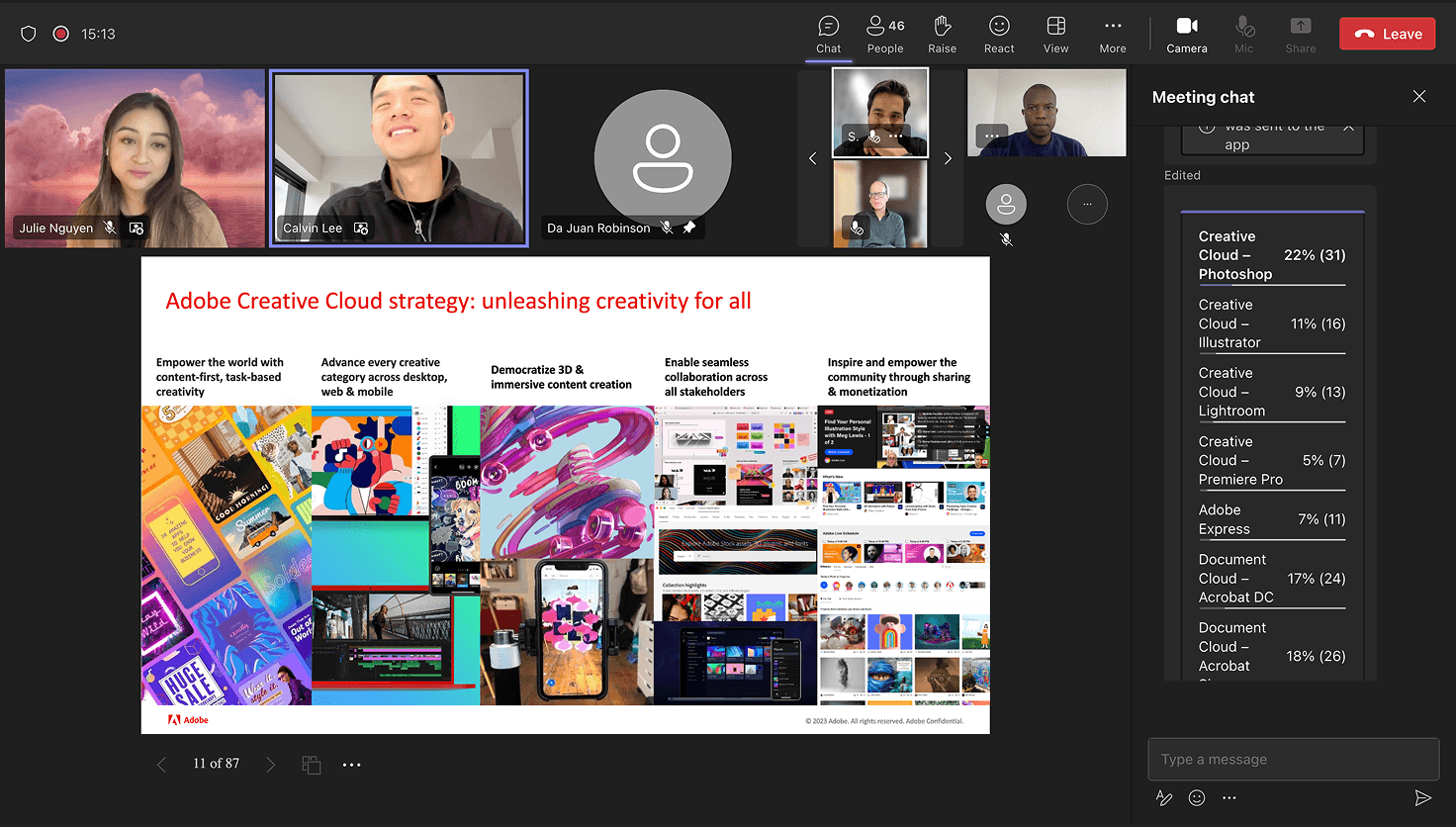
Manual work between generation and delivery





From research to production
01
Discovery
Client calls, surveys, and beta feedback defined the requirements.
02
Ideation
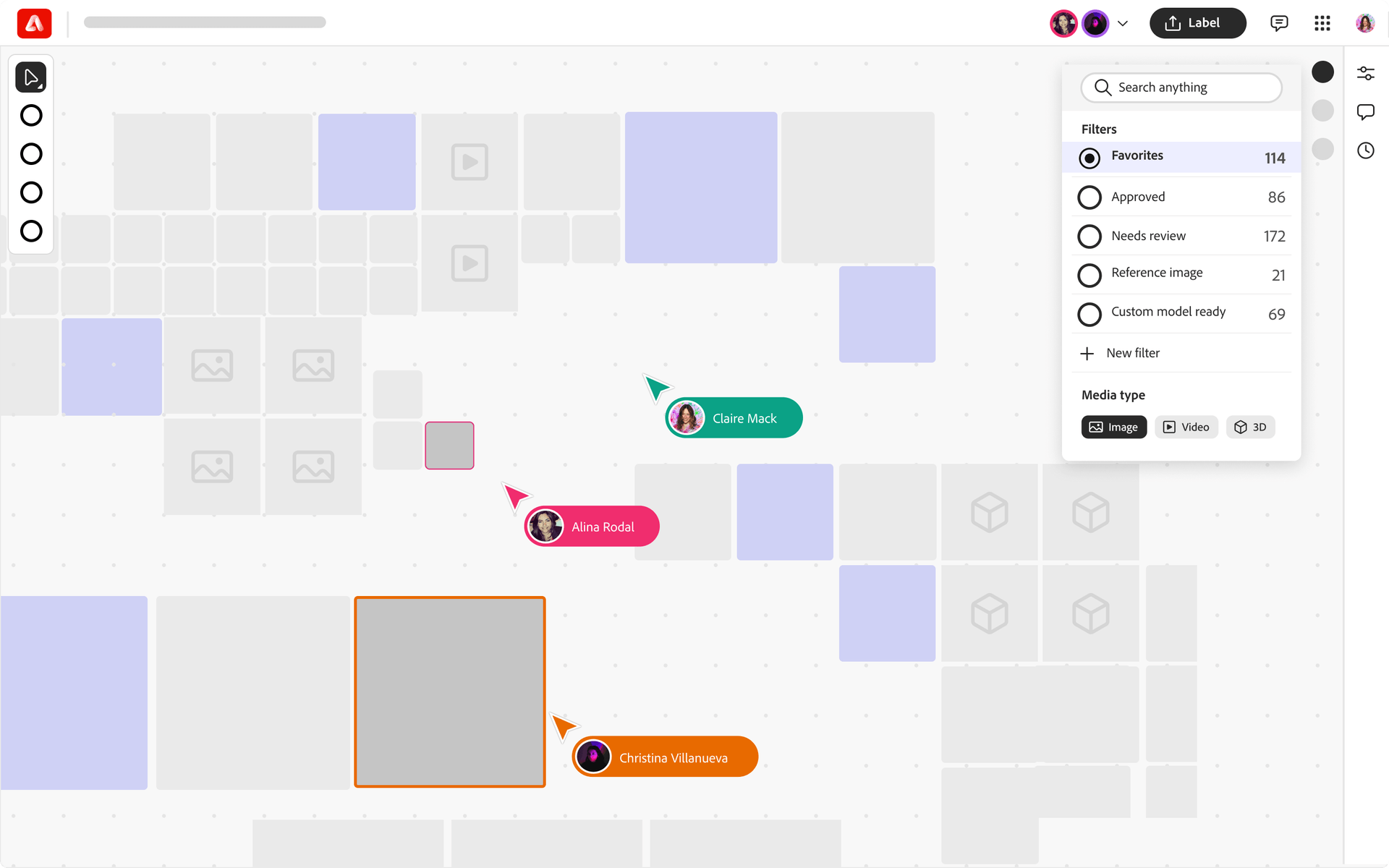
Workshops shaped an infinite canvas with GenAI workflows.
03
Prototyping
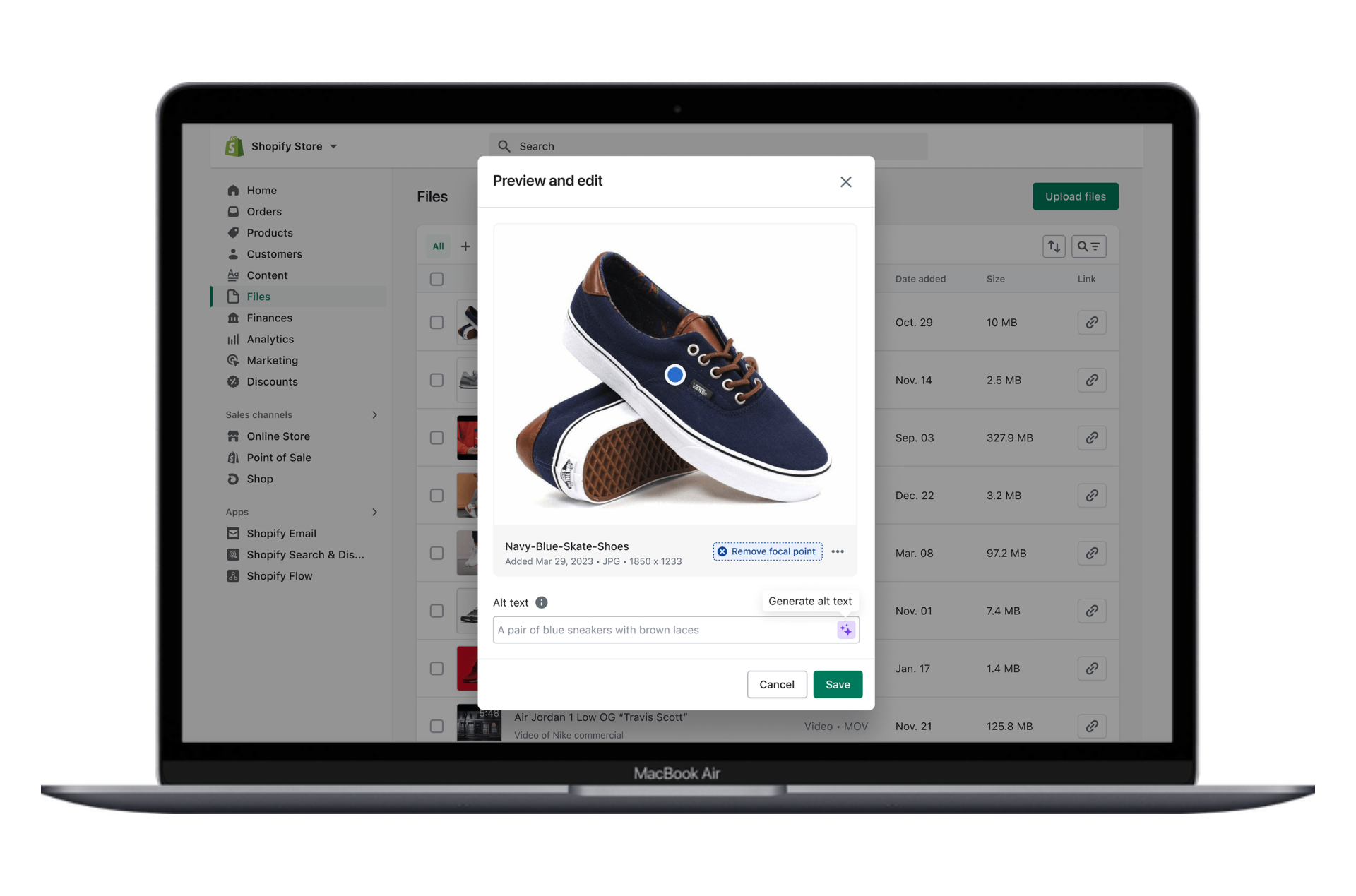
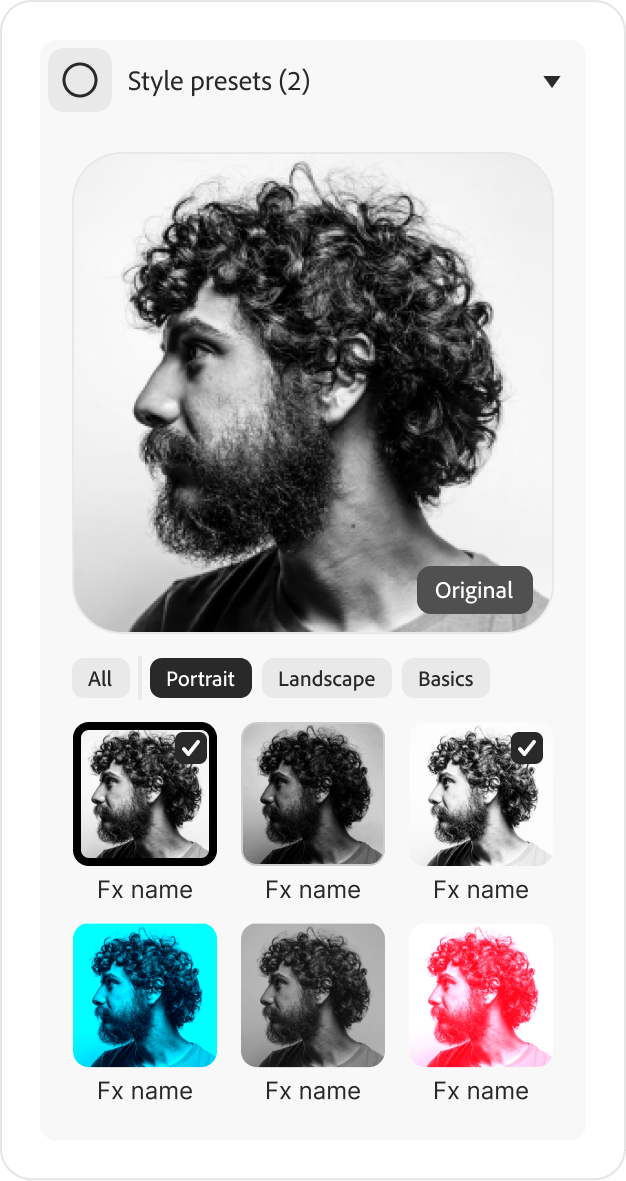
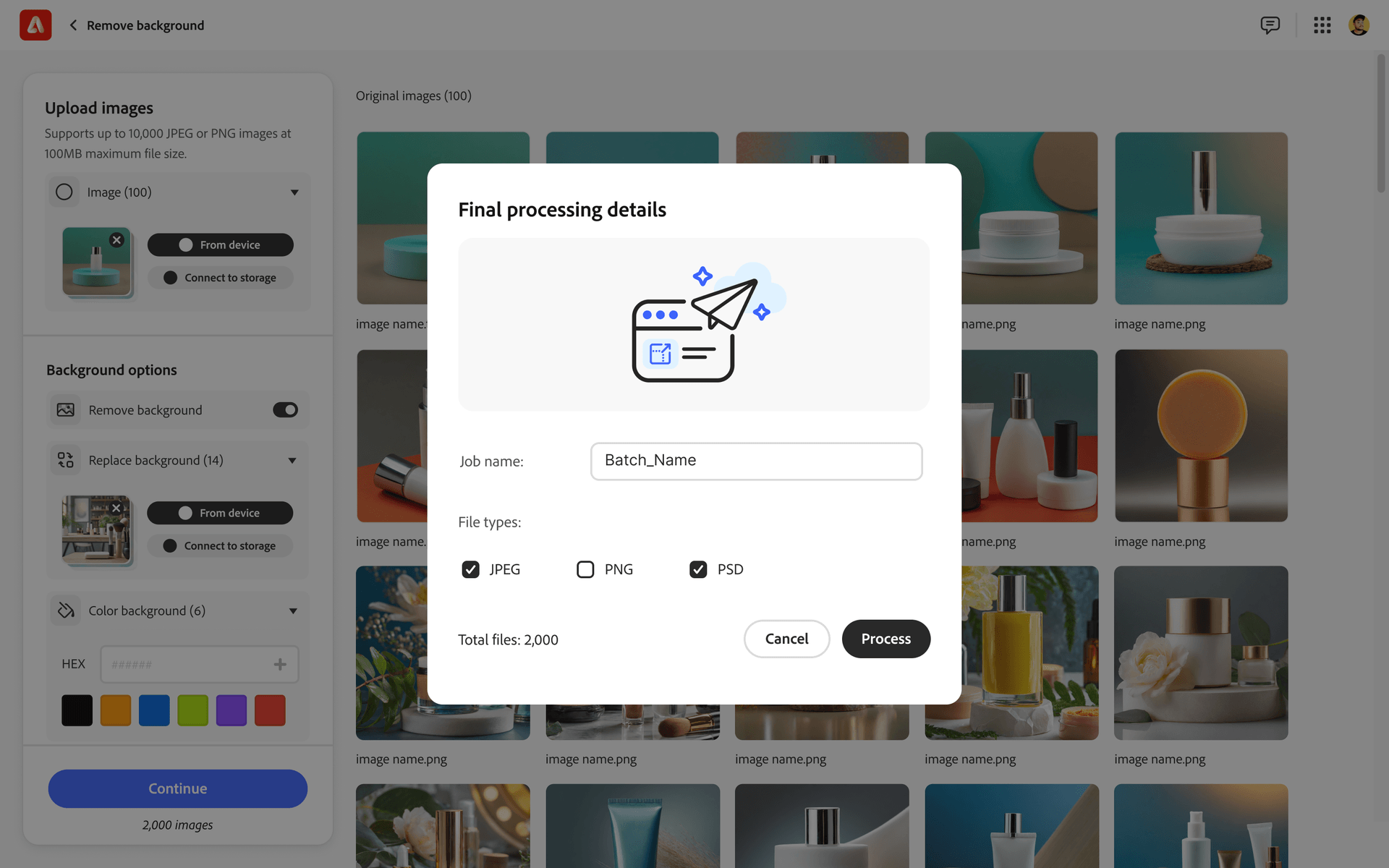
Bulk flows like focal-point resize, tested with 20 users.
04
Test and iterate
Reviewed model output and Creative Cloud integration.
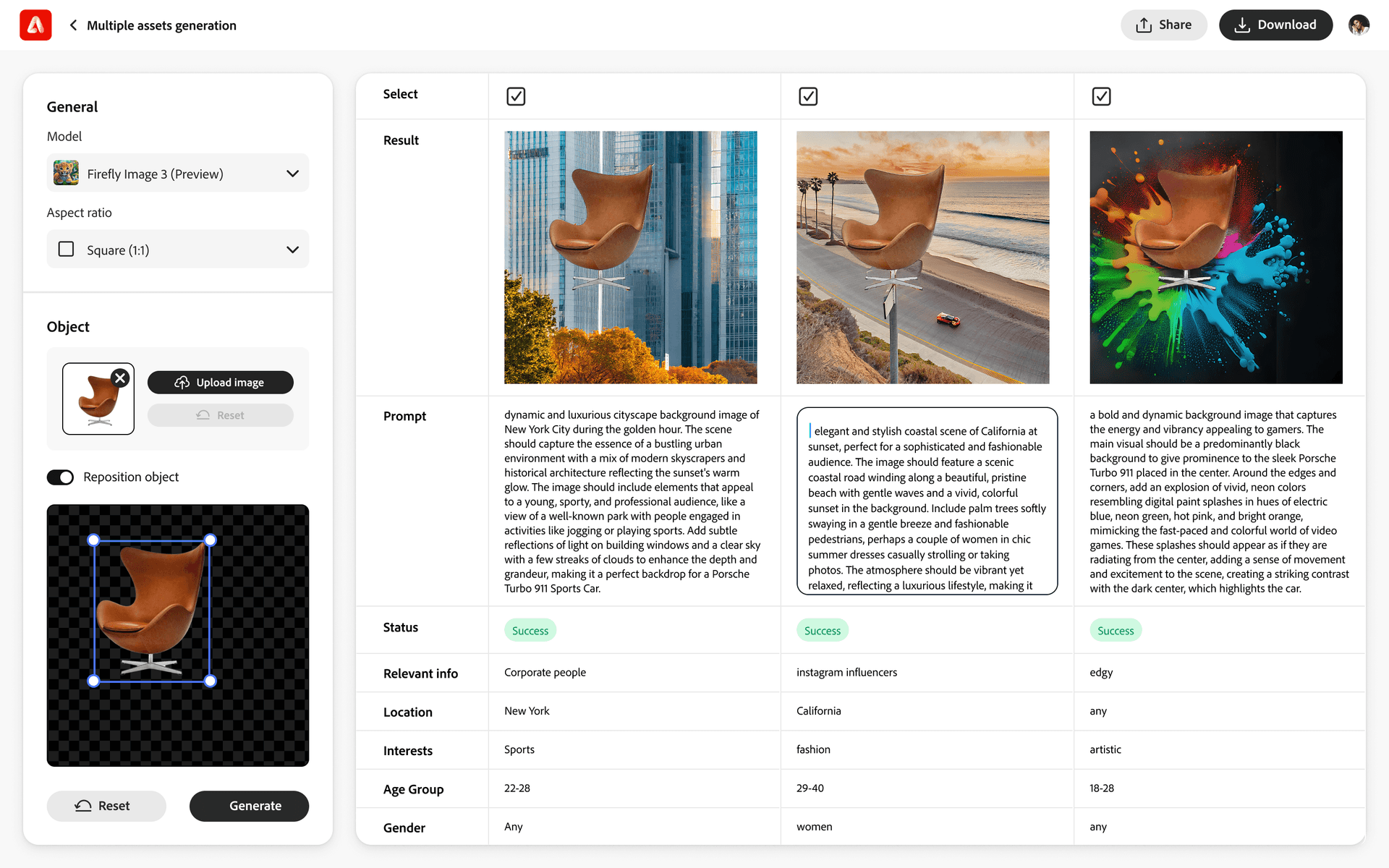
Testing bulk image actions
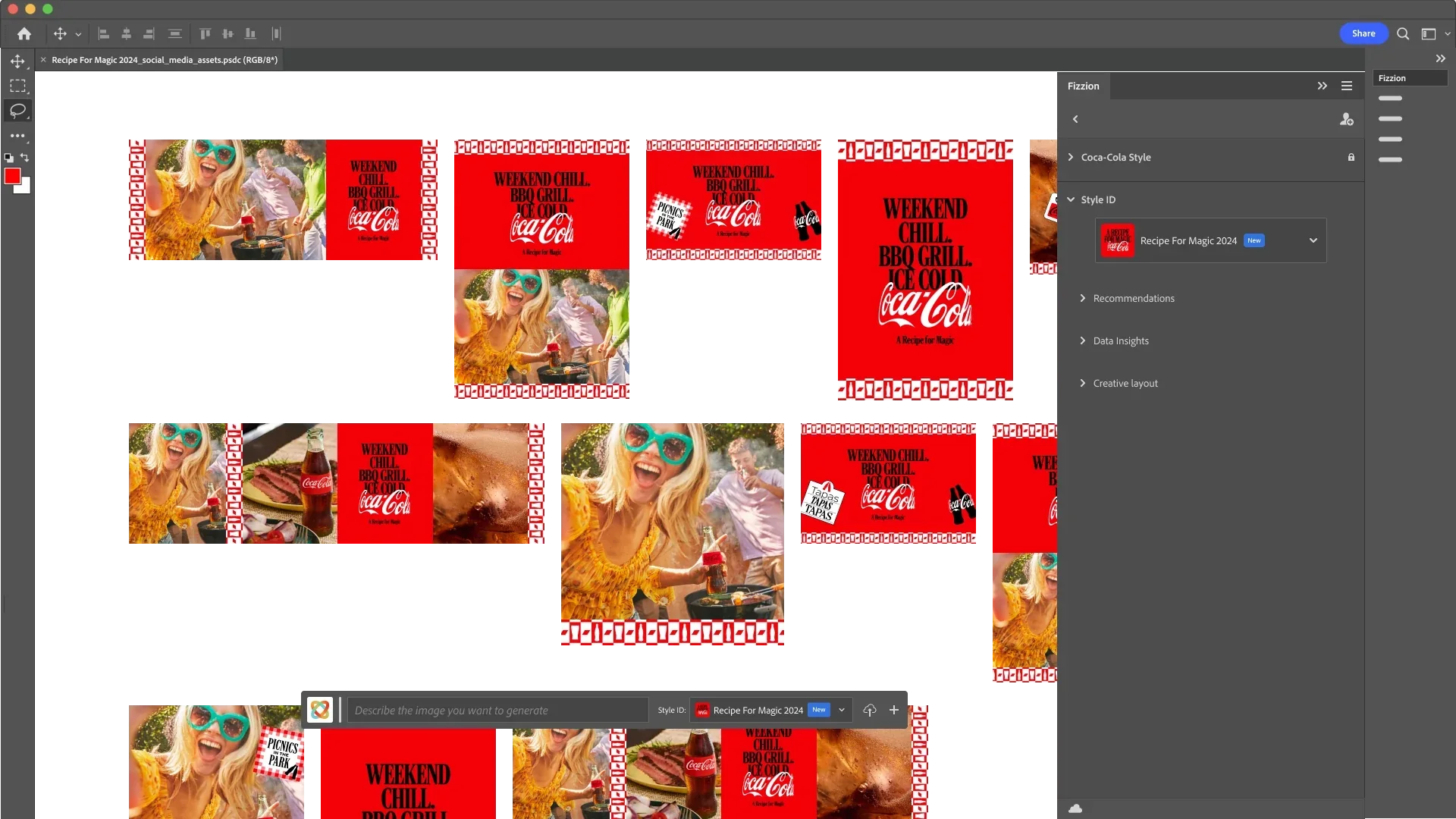
Photoshop
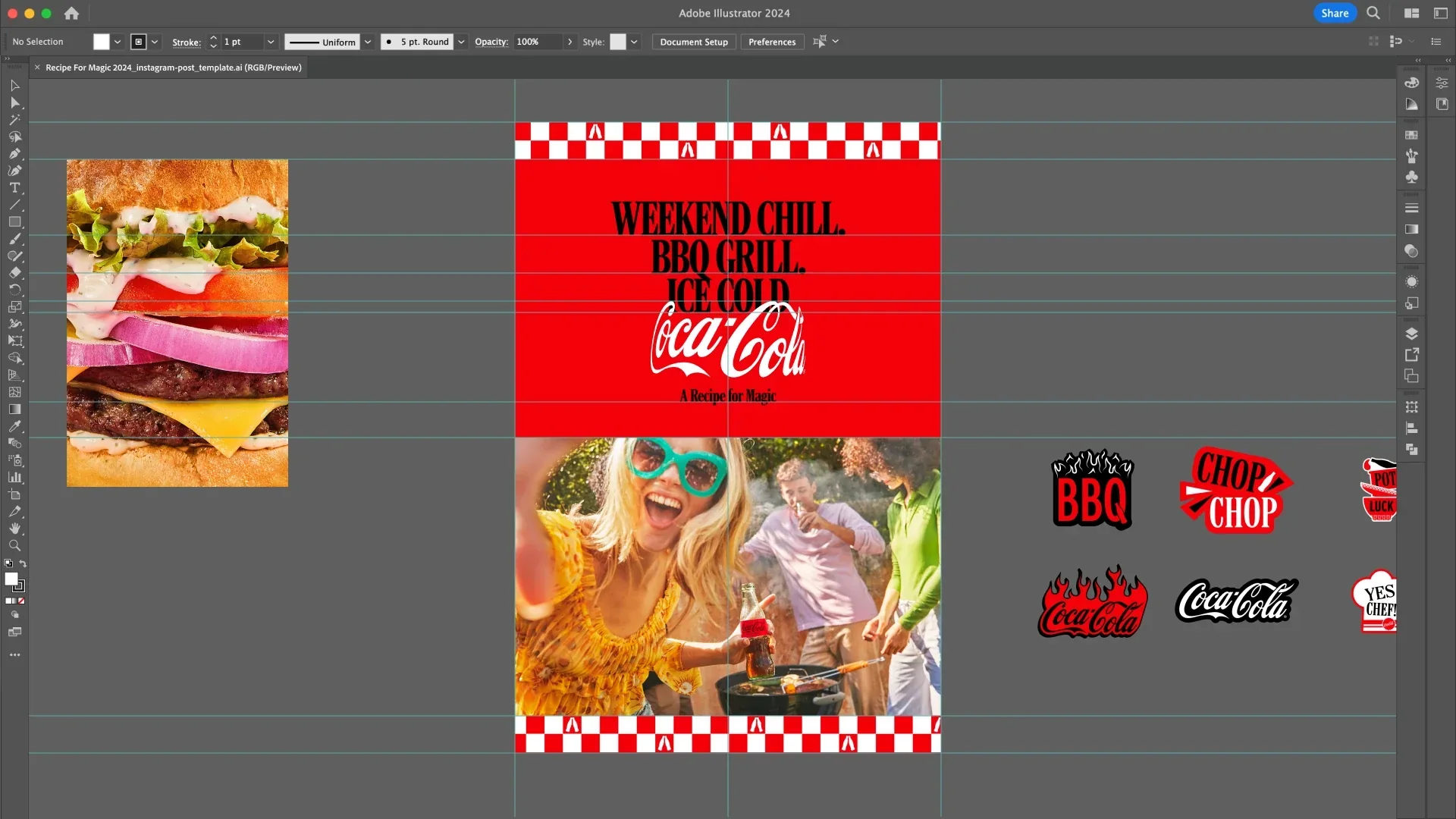
Illustrator
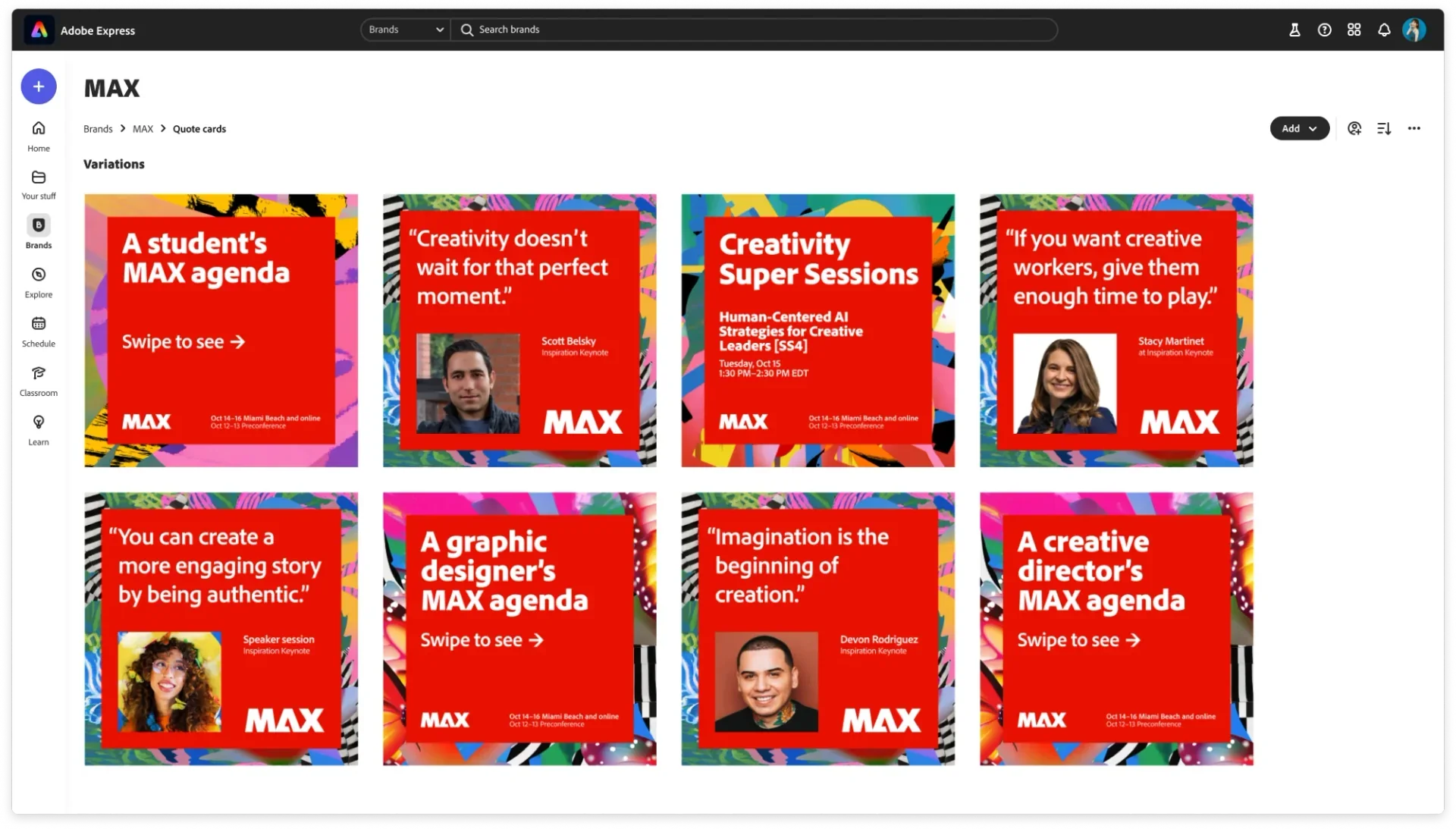
Express
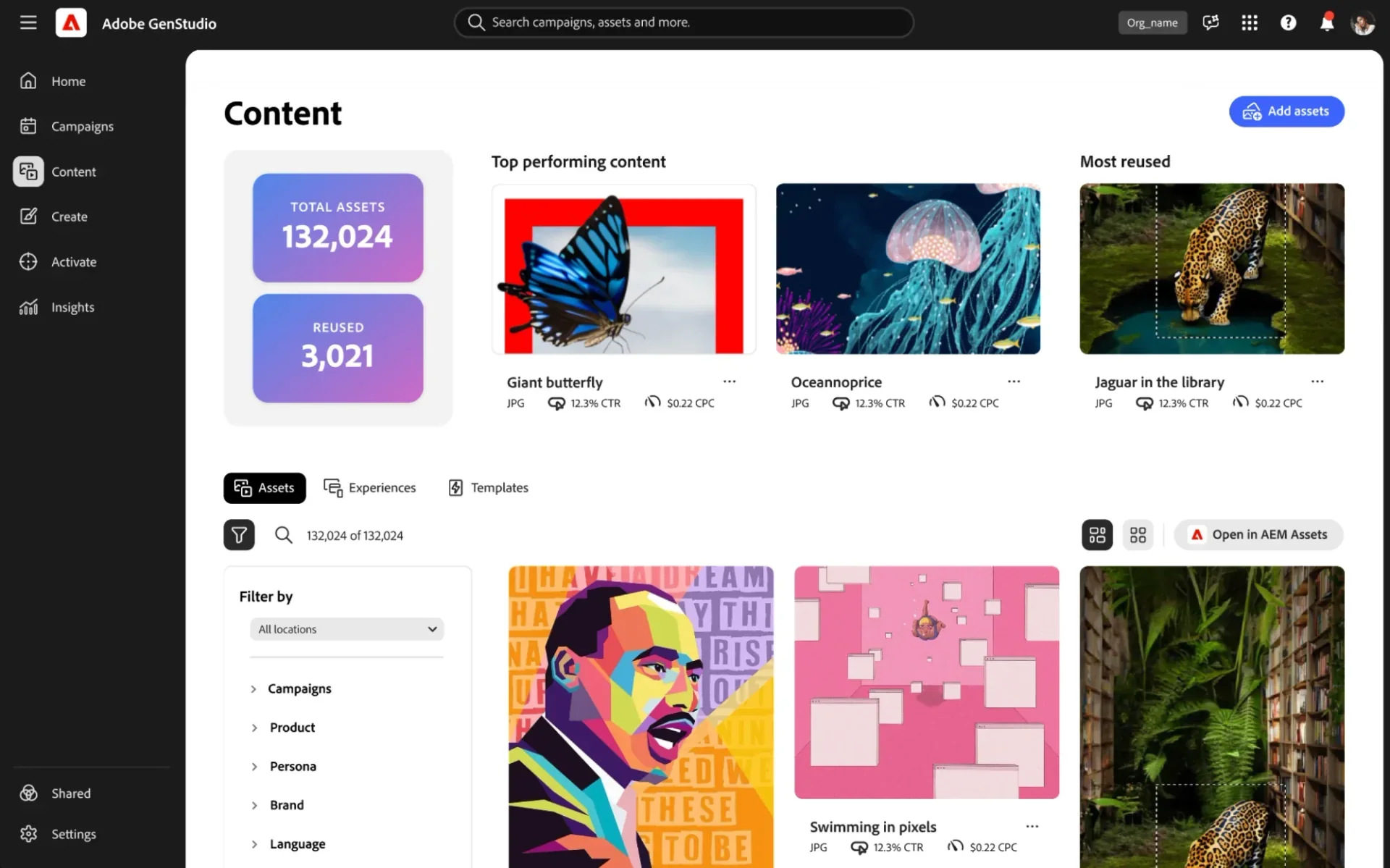
GenStudio
From upload to completed batch
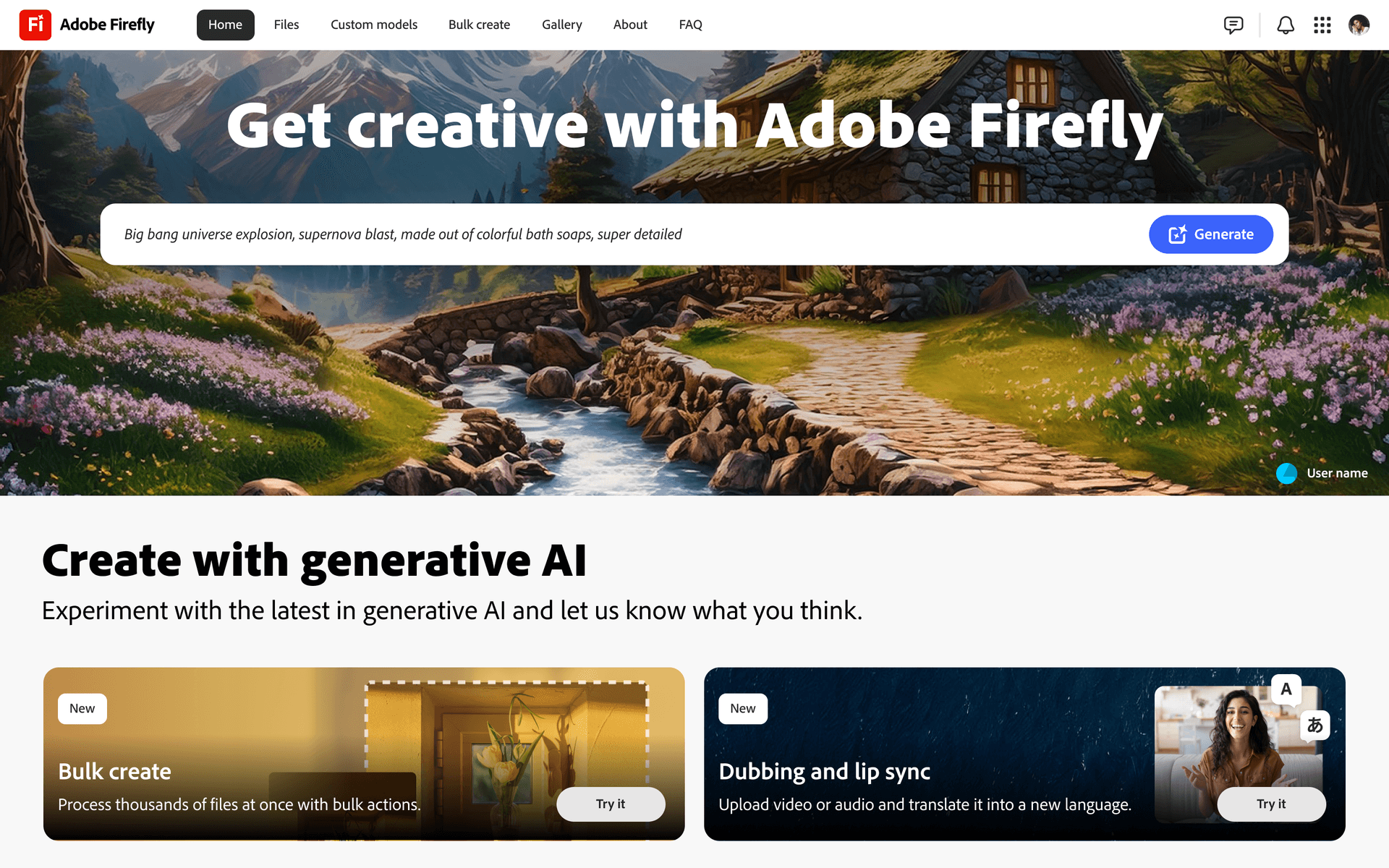
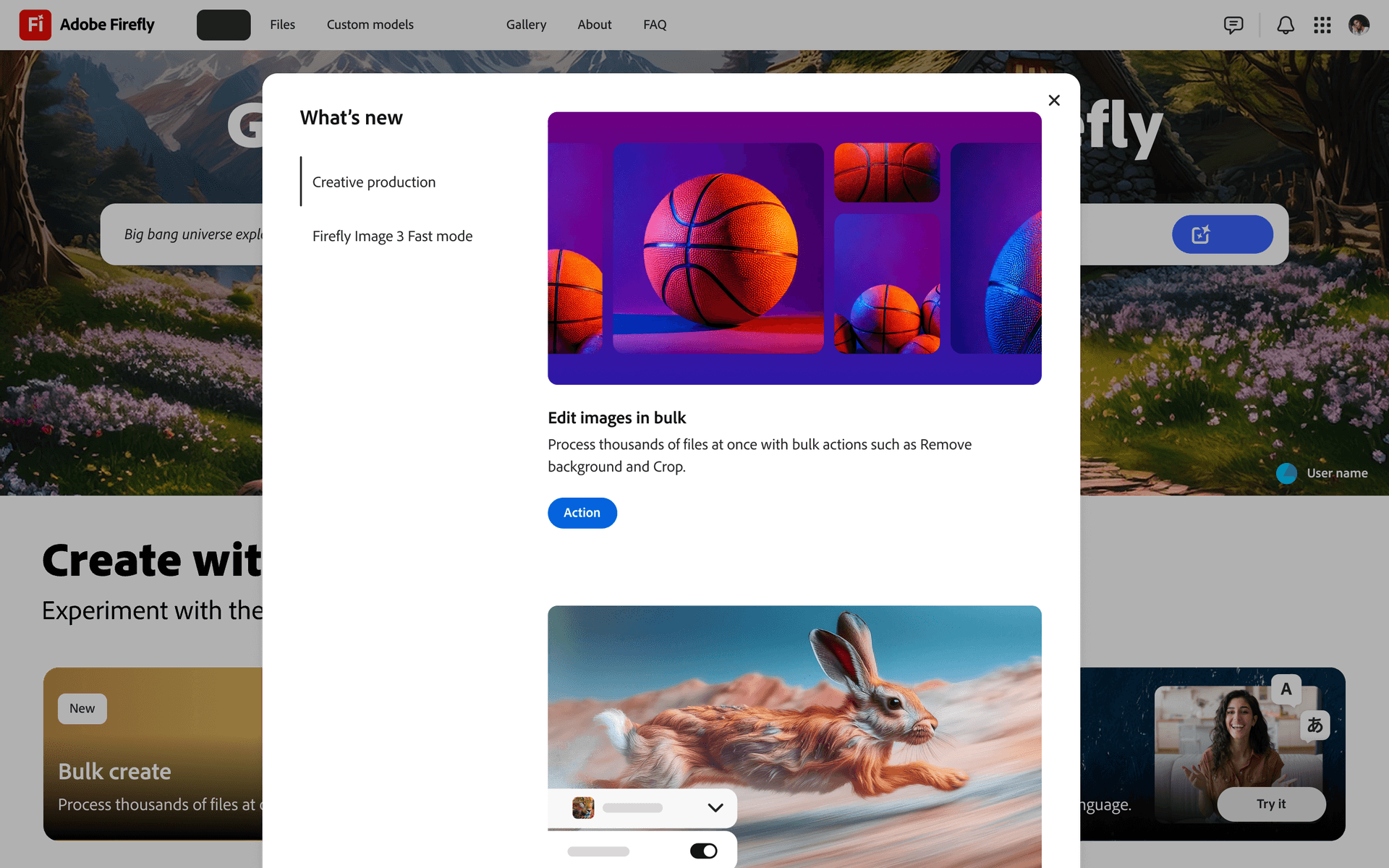
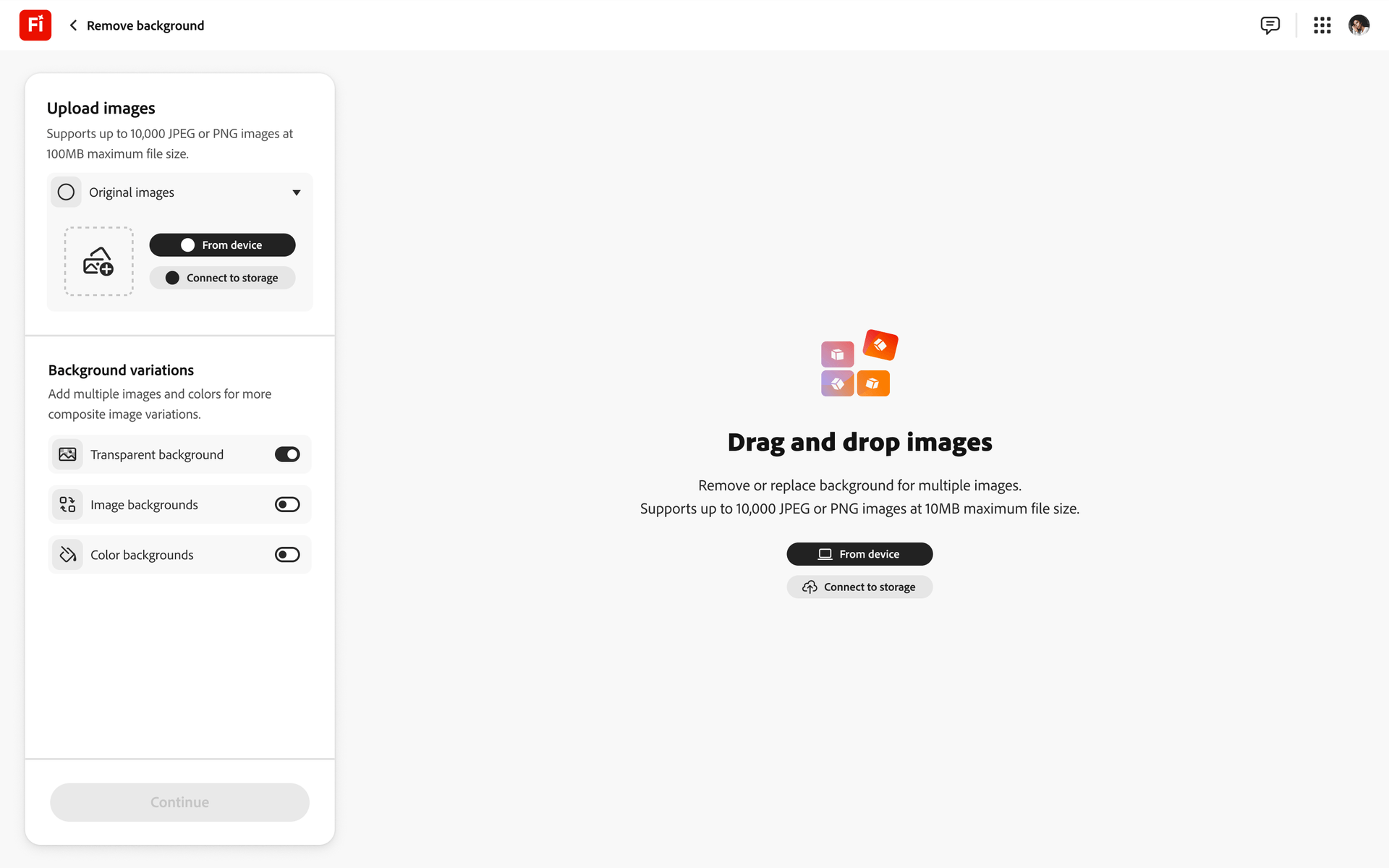
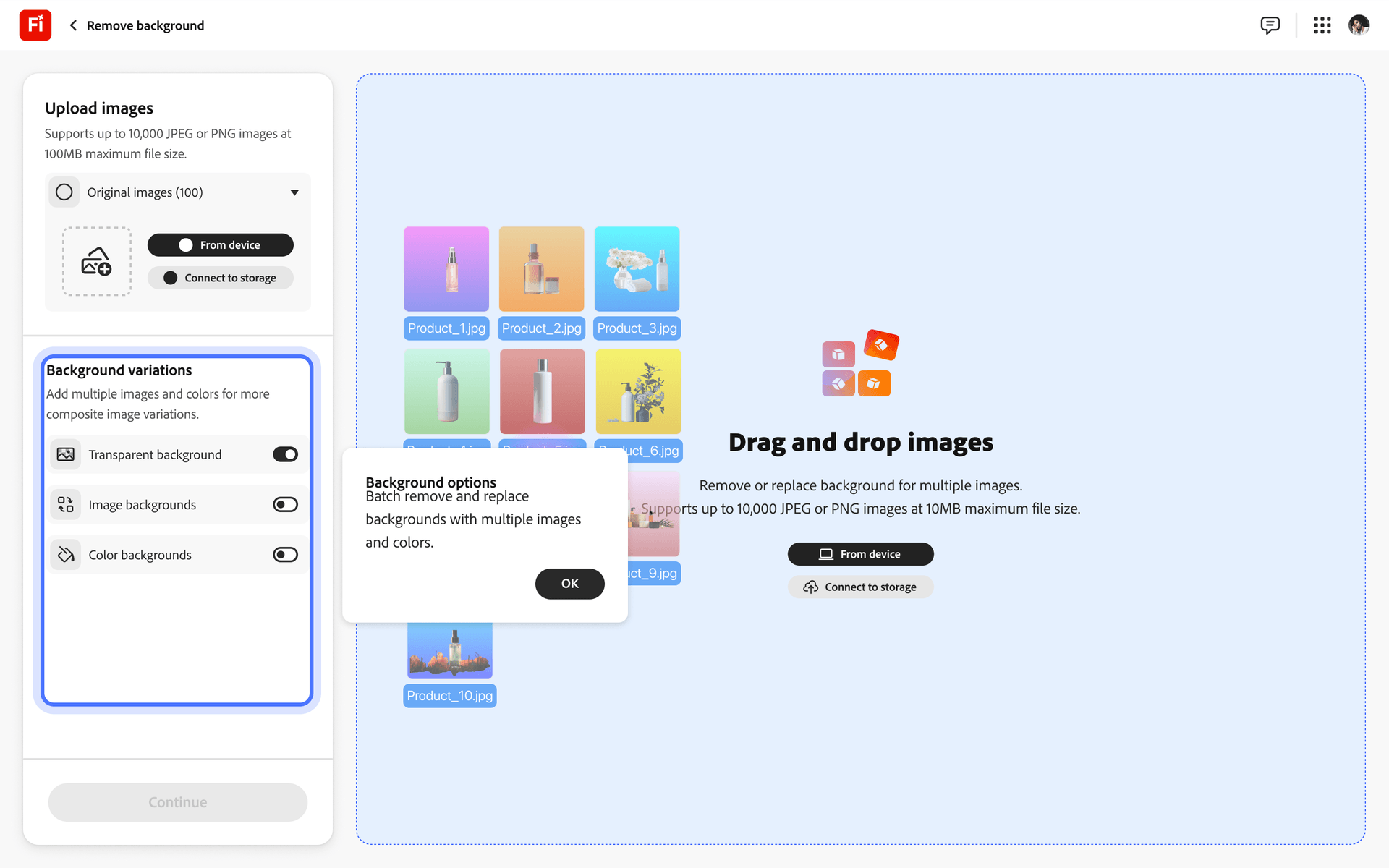
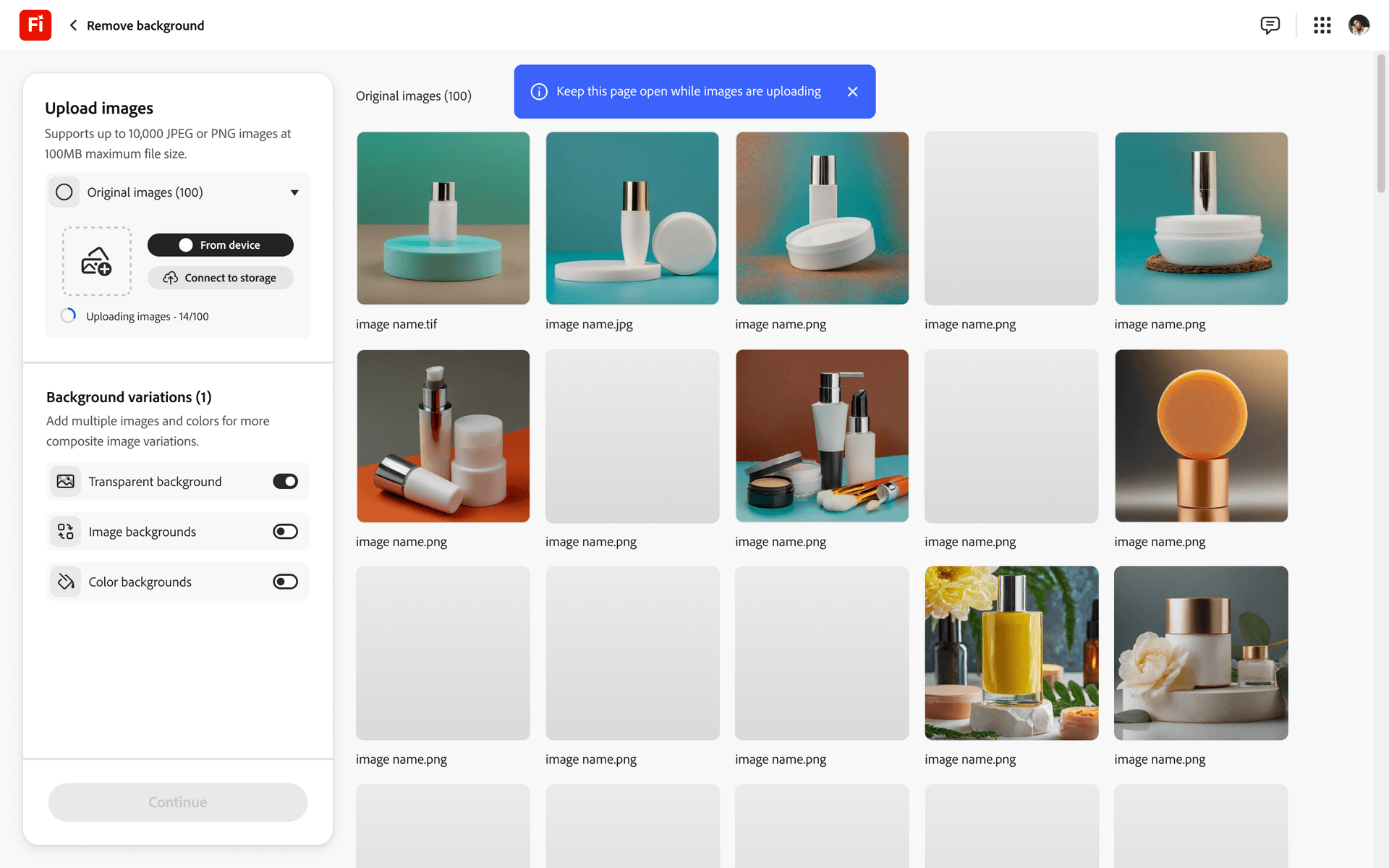
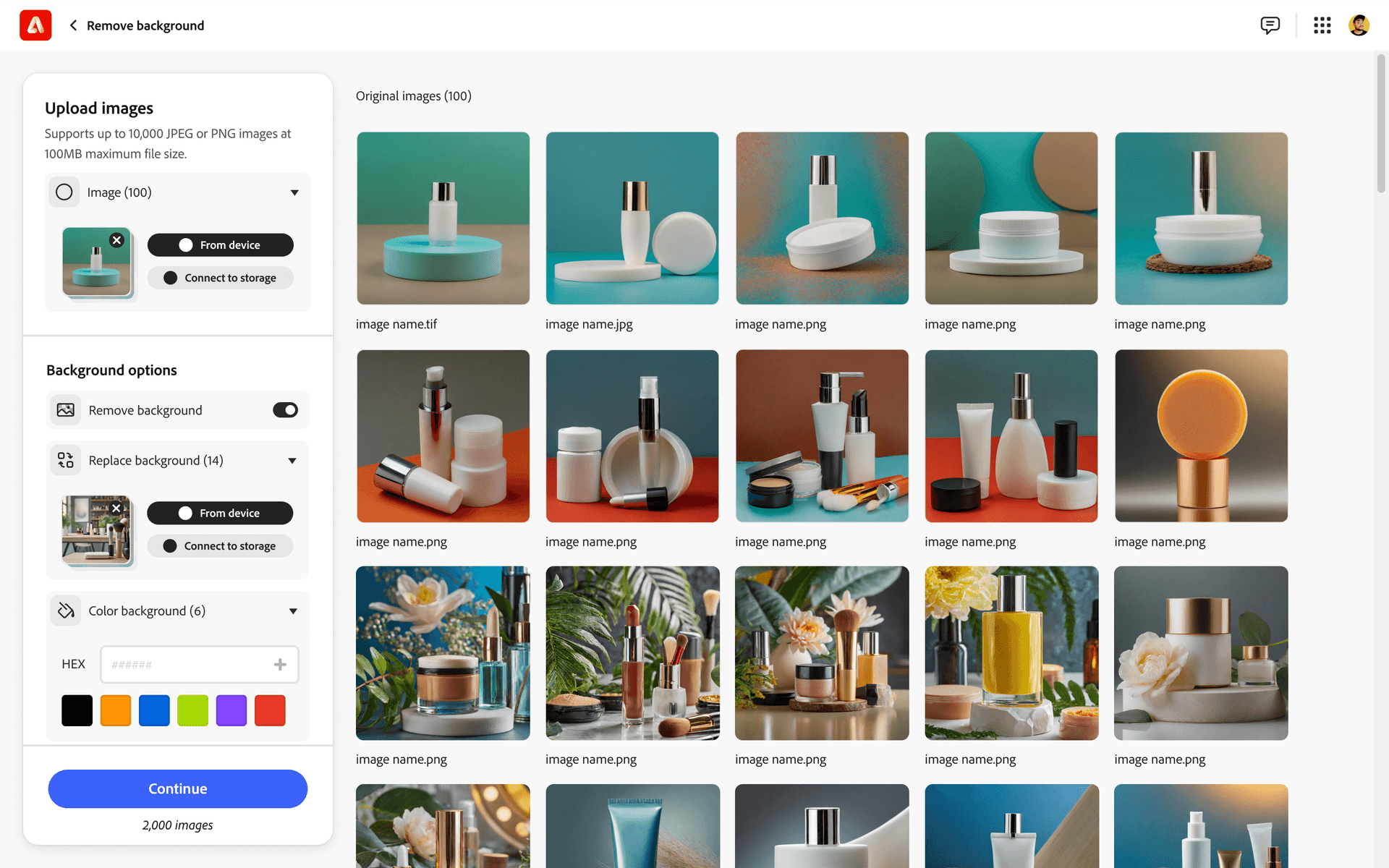
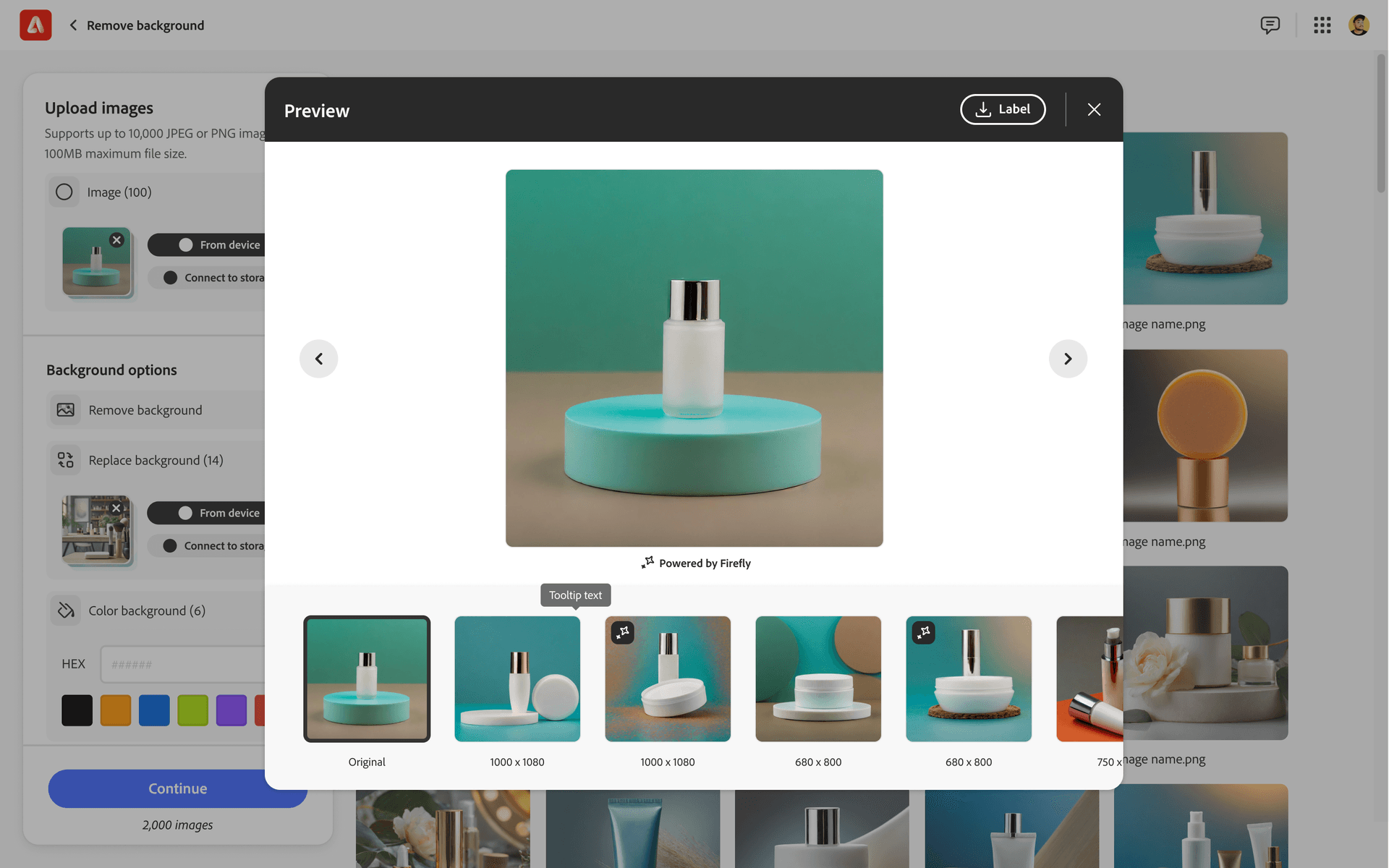
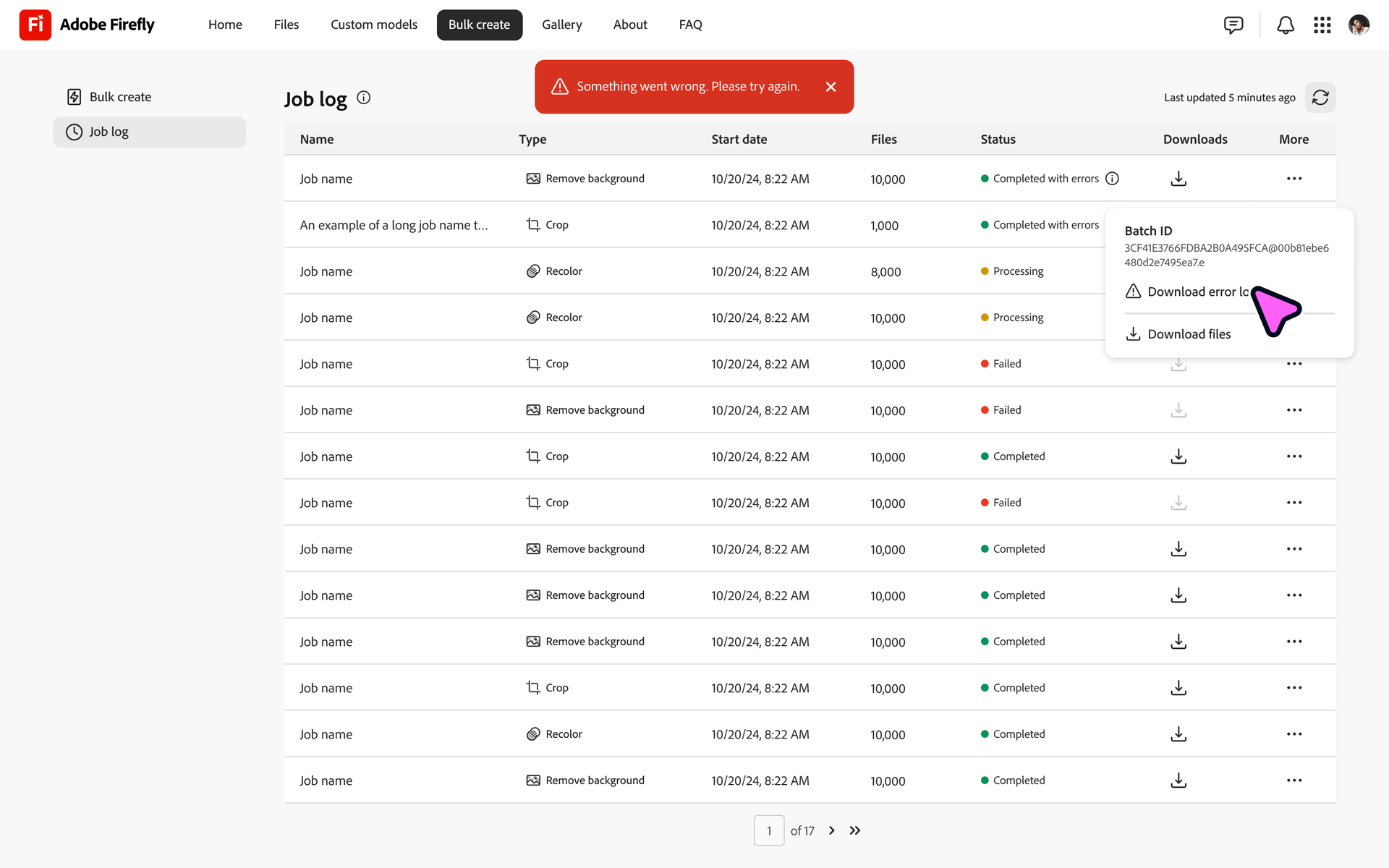
01. Enter the suite
What the work returned
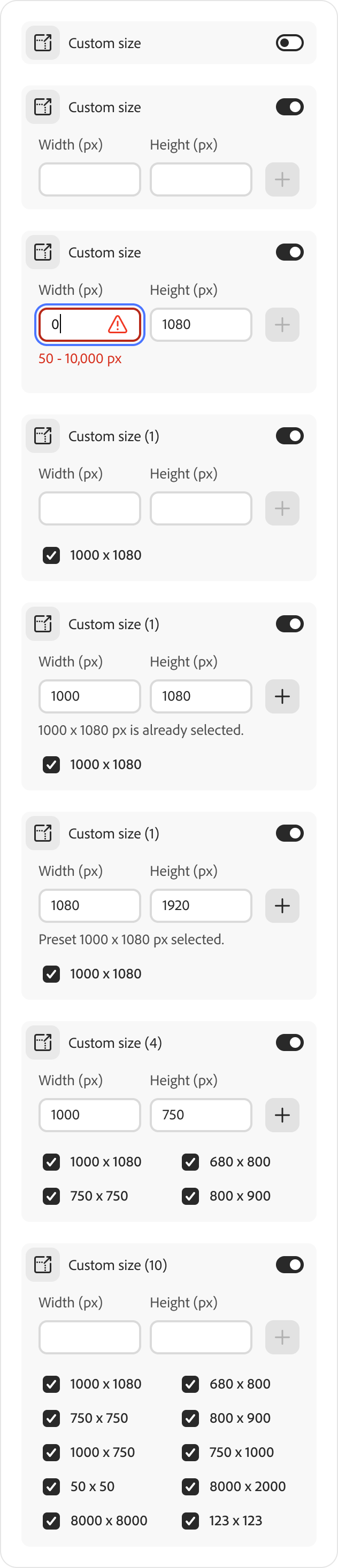
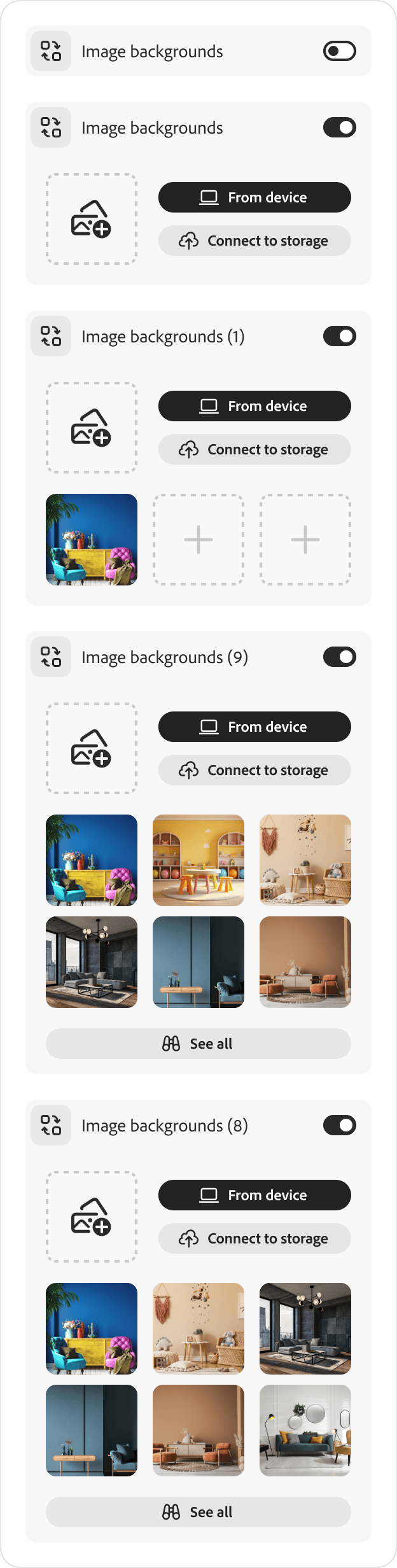
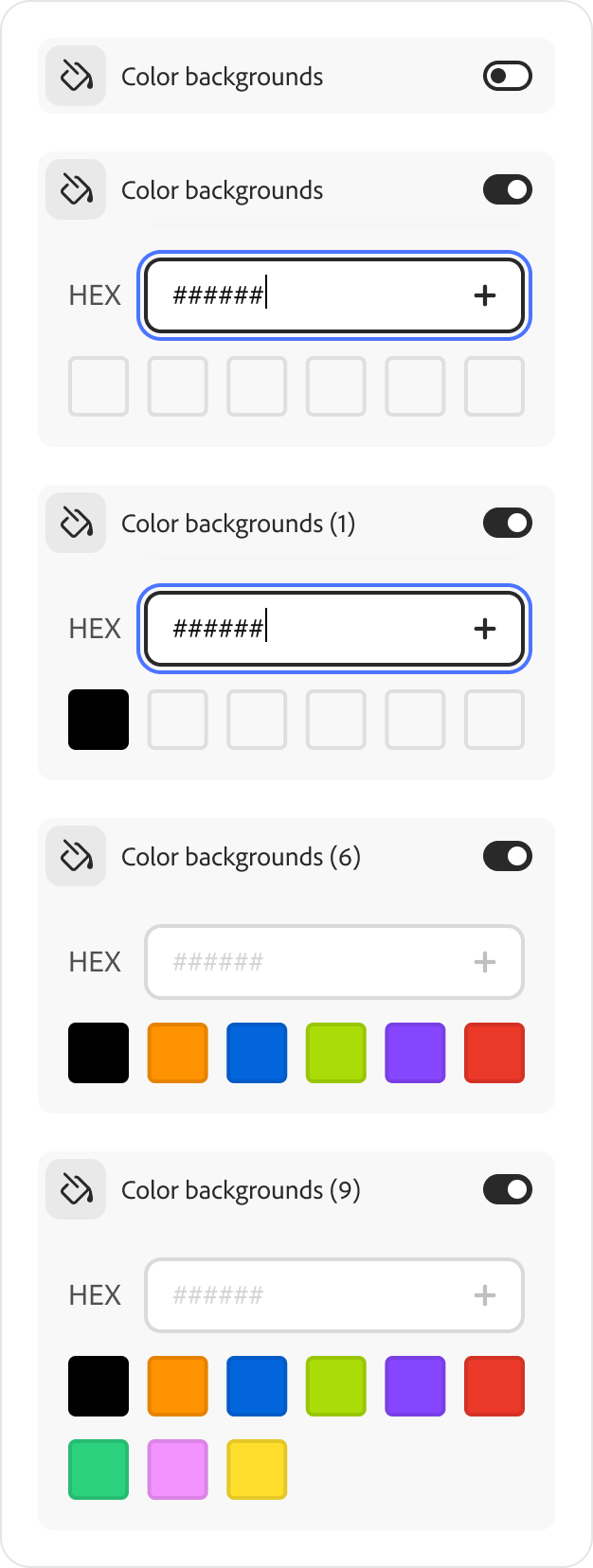
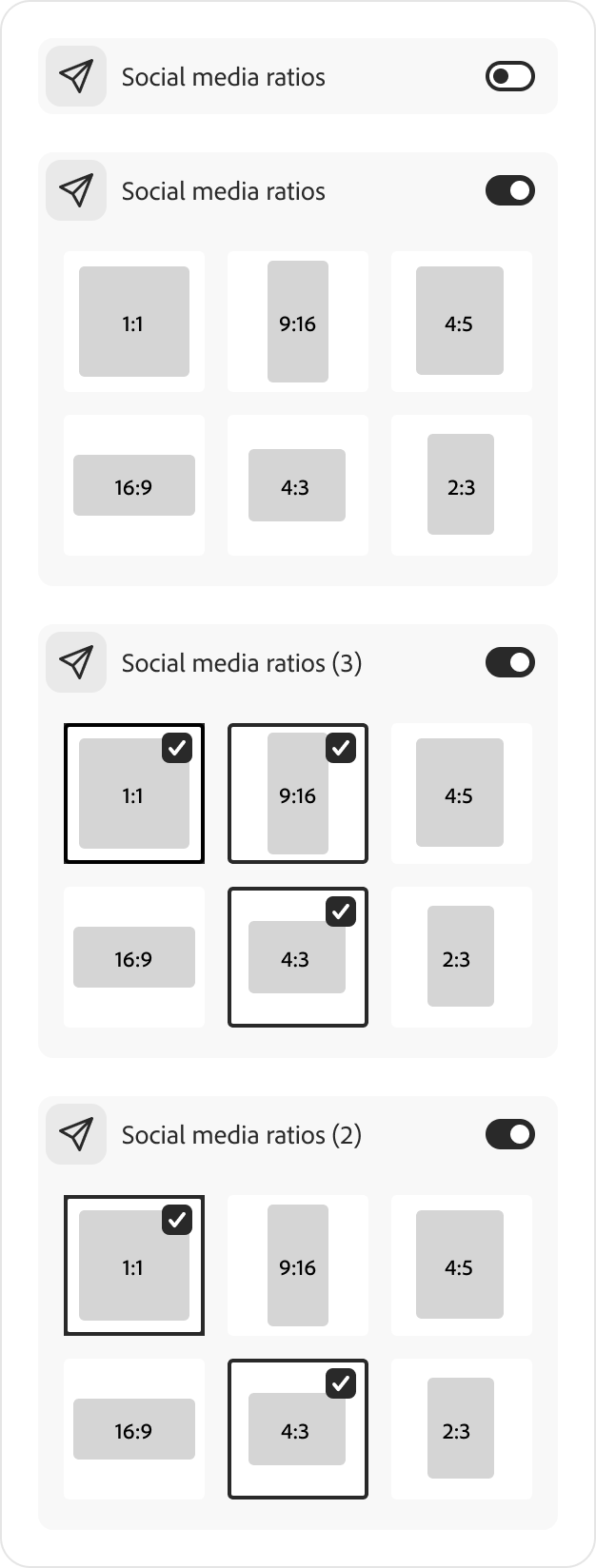
Shared production controls

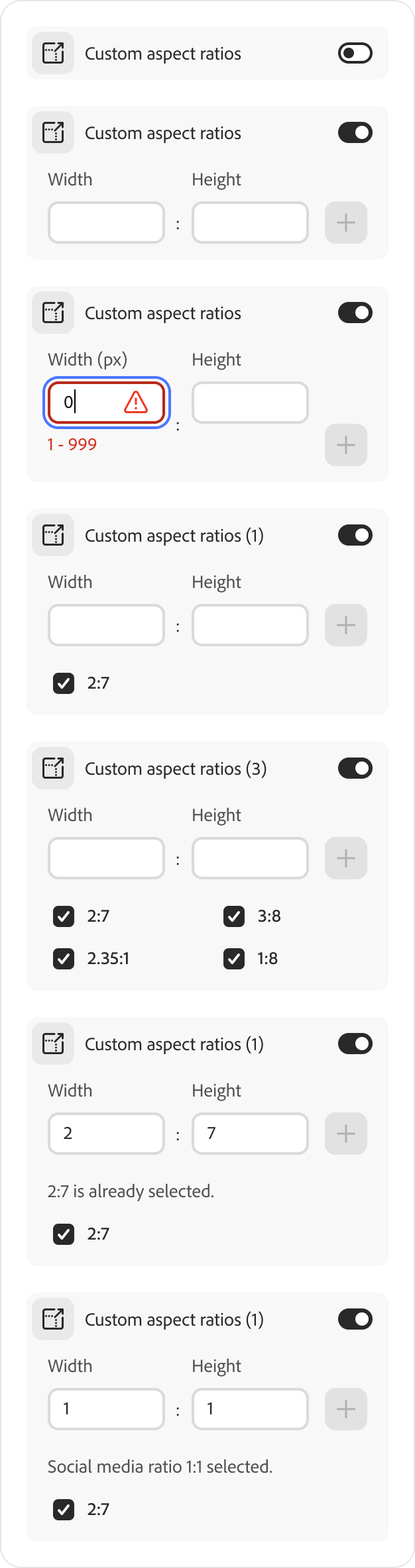
Setting the product direction
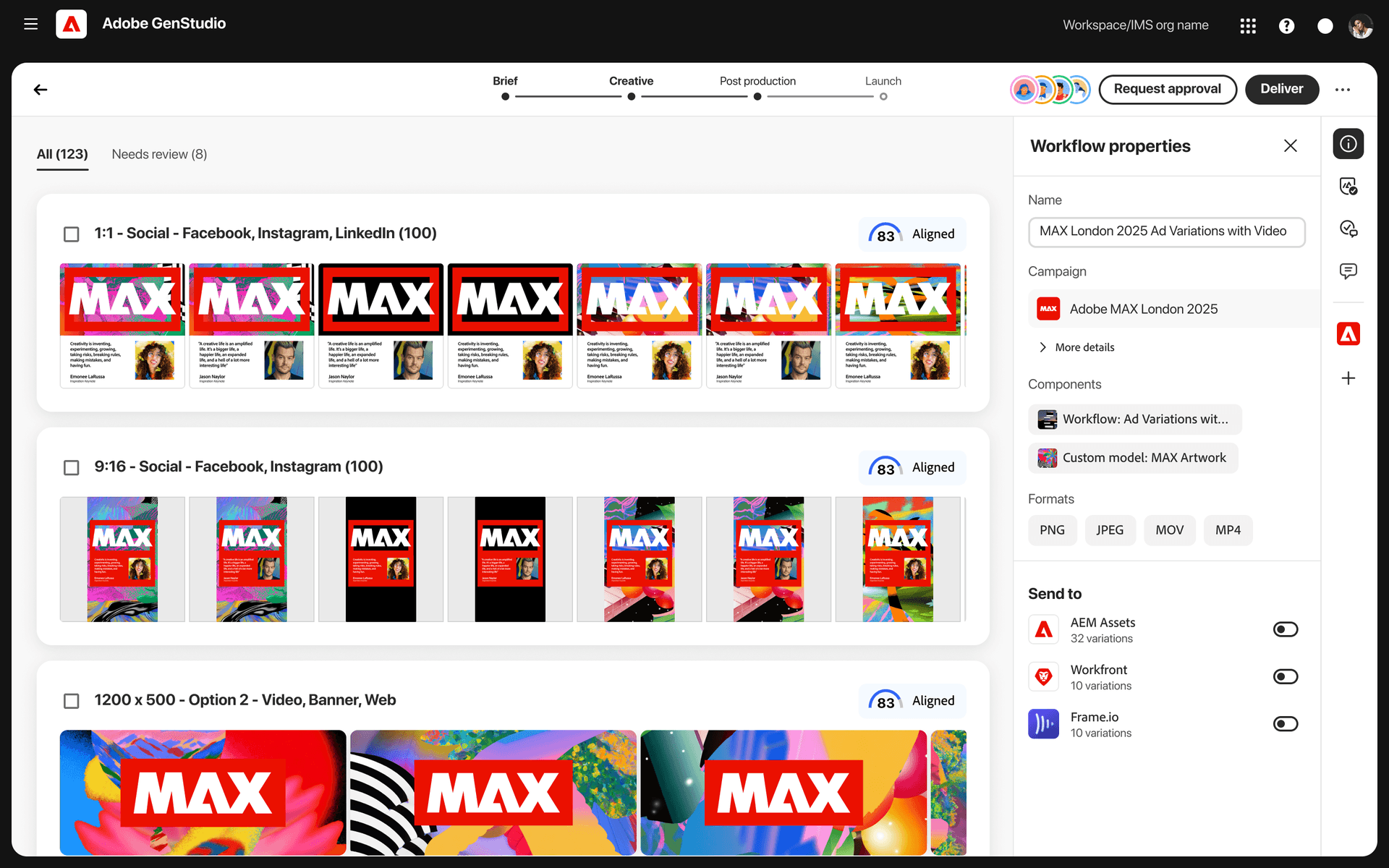
Review assets in the shared workspace
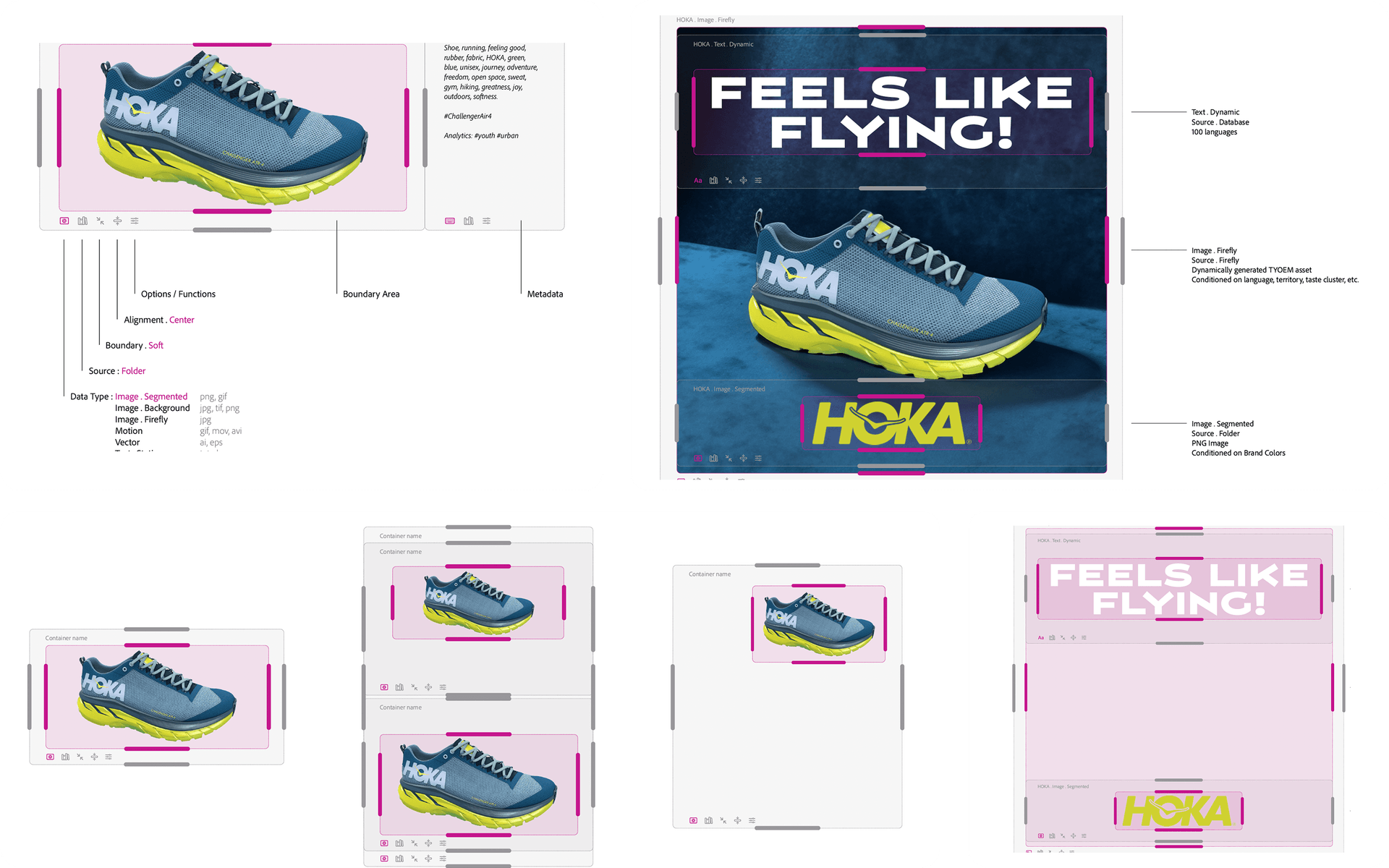
Apply brand rules to every variant
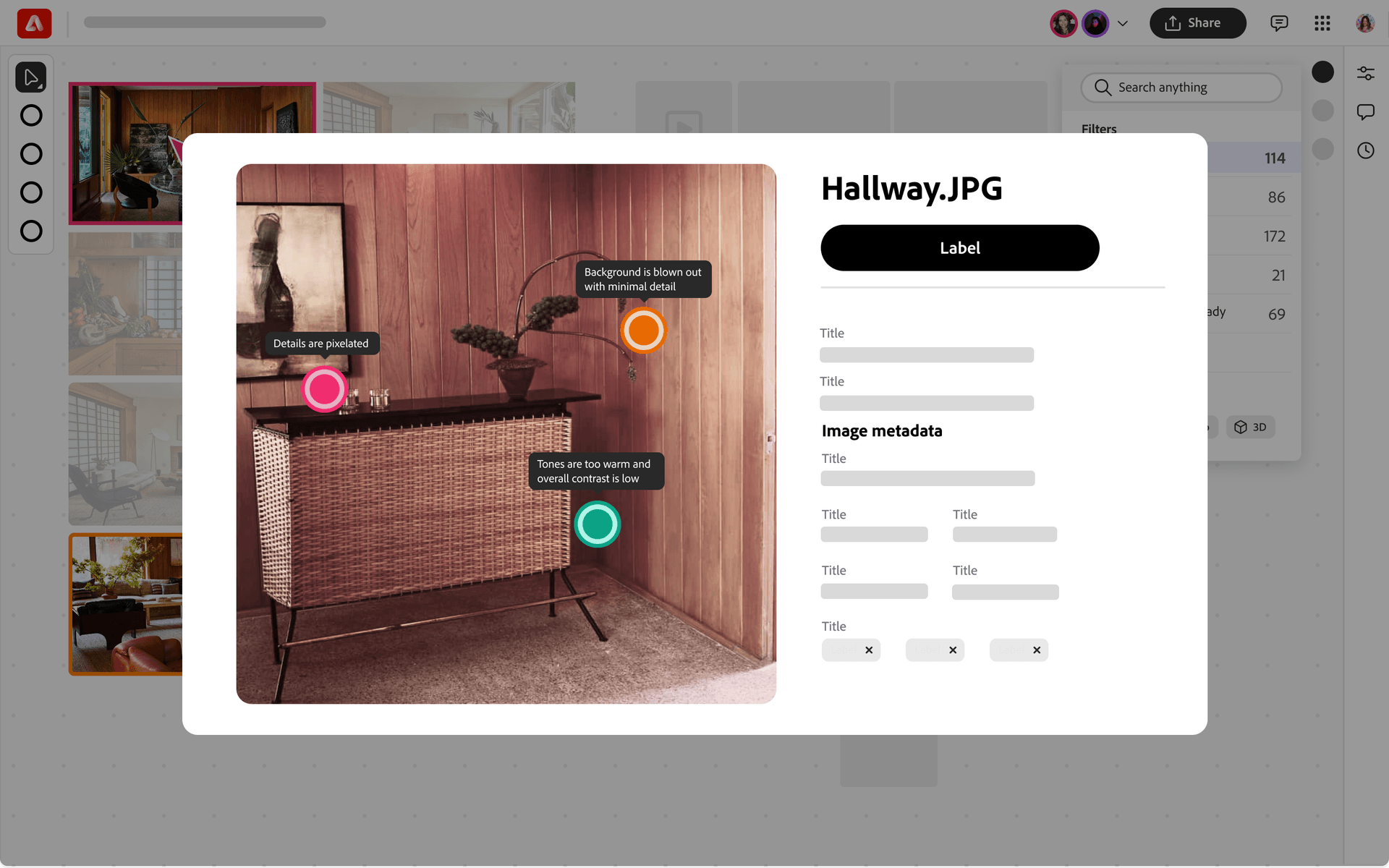
Reuse a sequence for the next campaign
Principles for batch production
Speed
Reduce steps to a finished asset
Keep routine actions short when teams are producing assets against a deadline.Adaptive
Start simple, reveal depth on demand
Show the first action clearly and make advanced controls available when needed.Variable
Define reusable variables
Use shared variables and constraints to apply changes across asset variants.Checks
Check before processing
Flag brand, accessibility, and production issues before processing a batch.Smart
Create once, apply everywhere
Apply an approved decision across sizes and variants.Integrated
Continue work across Adobe tools
Continue canvas work in Photoshop and sync edits across connected Adobe tools.
Brief to launch, in four steps
01 · Brief
Workflow agent
- Text to workflow
- Brief to workflow
- Image or reference to workflow
02 · Creative
Campaign and design
- Upload a design
- Start from a campaign
- Set the design layouts
03 · Post-prod
AI brand check
- Flag off-brand issues
- Flag design and accessibility issues
- Flag copy issues
04 · Launch
Done
- Send for review
- Upload to cloud or download
- Publish to a running campaign
Campaign workflow walkthrough
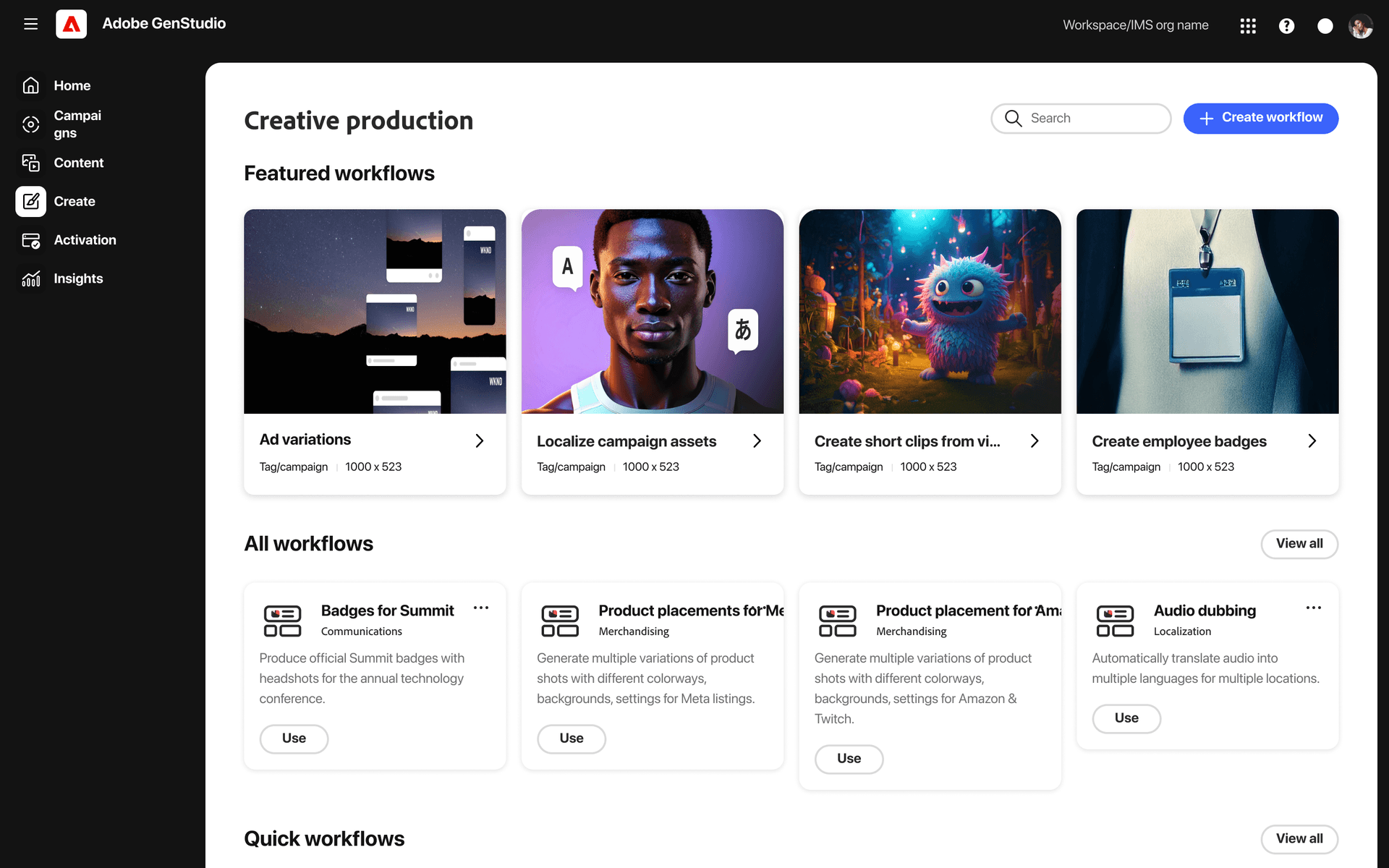
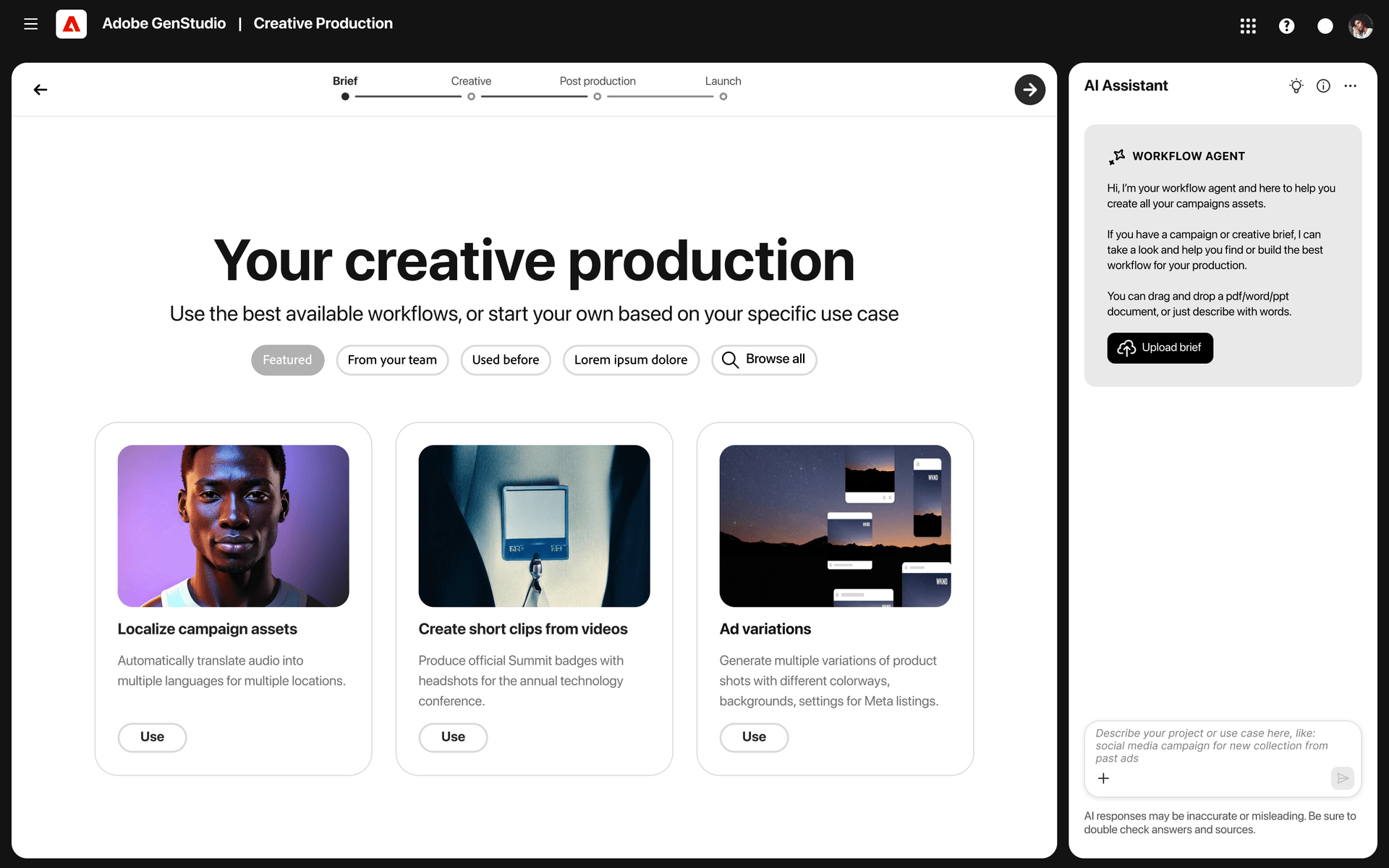
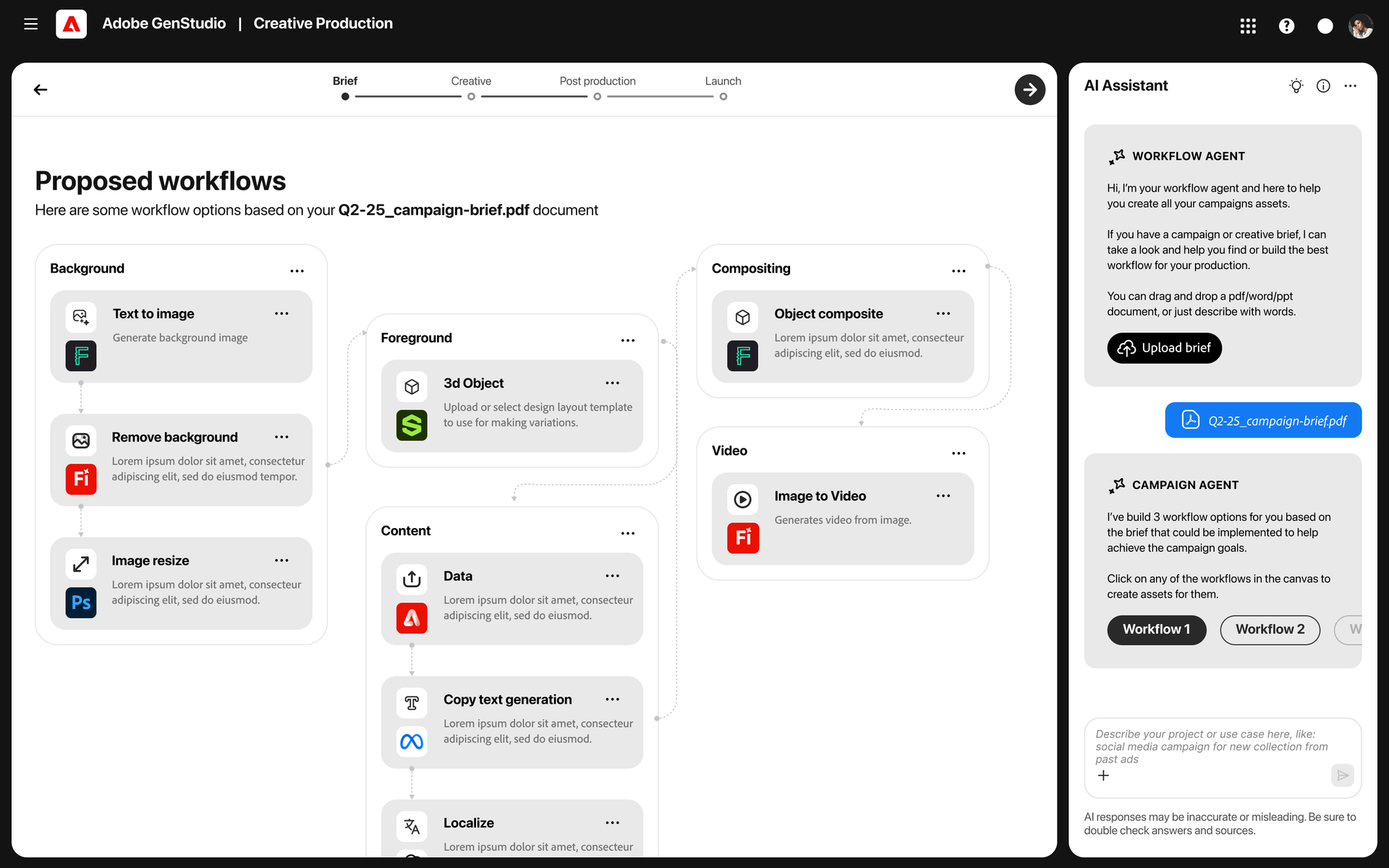
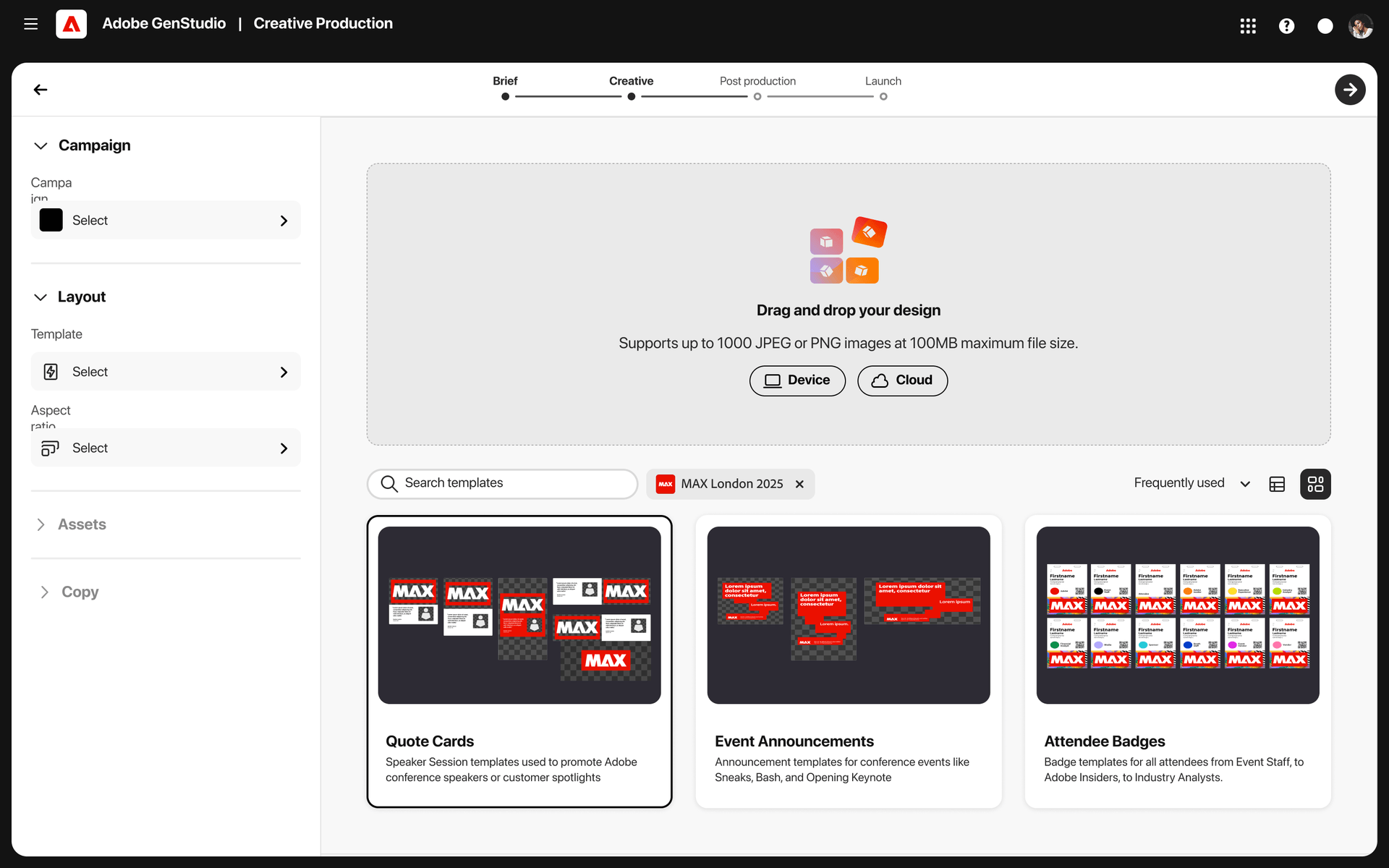
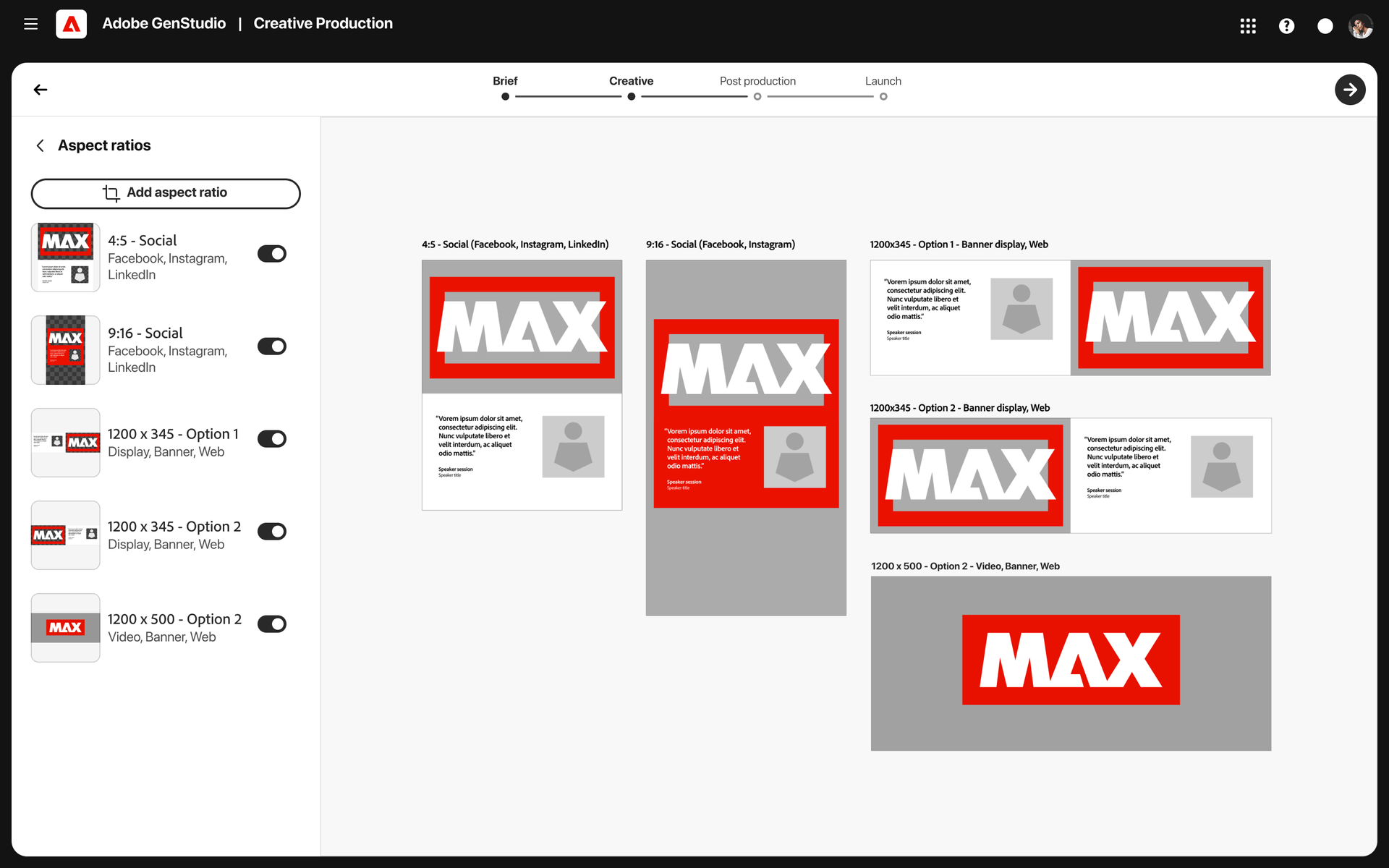
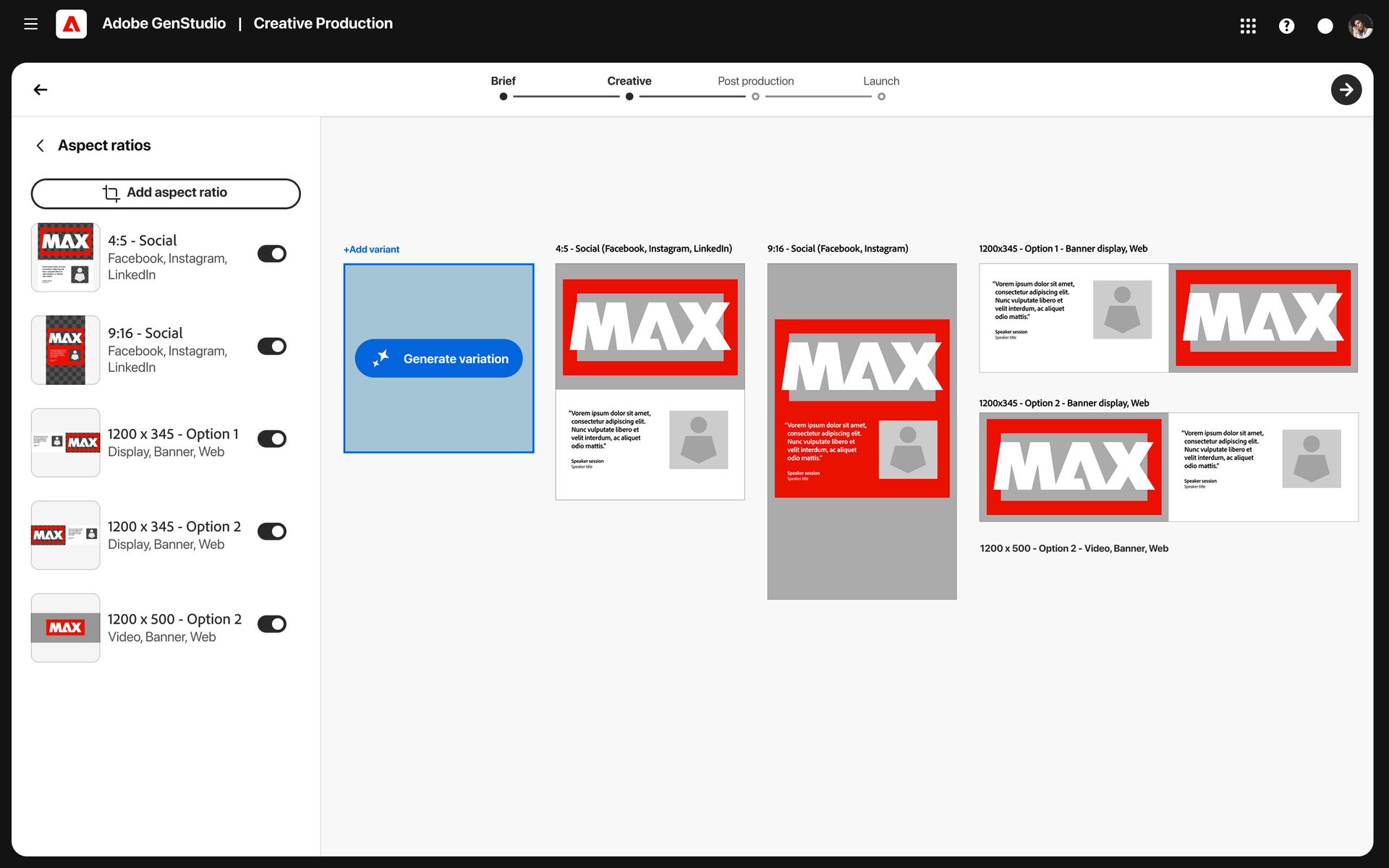
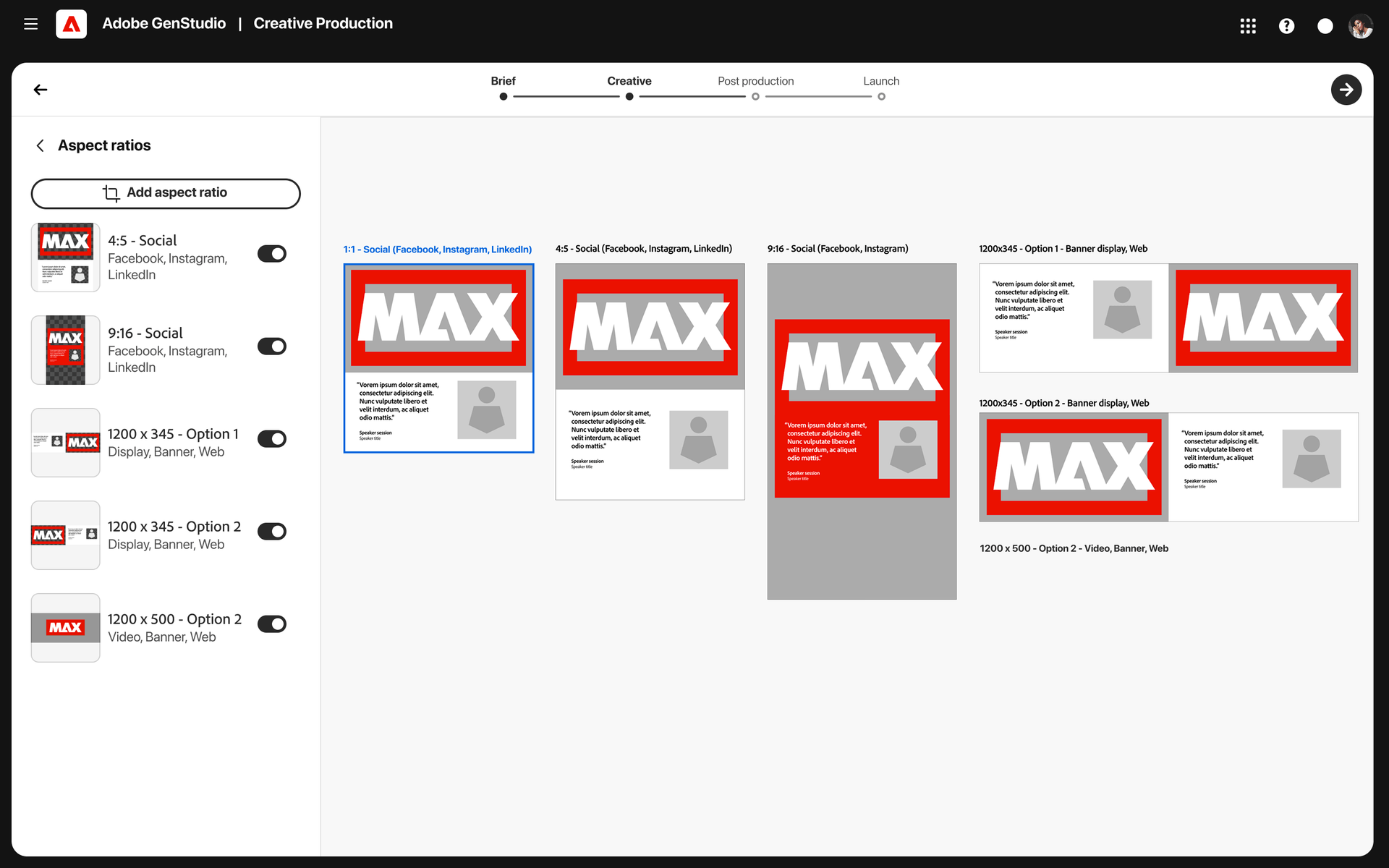
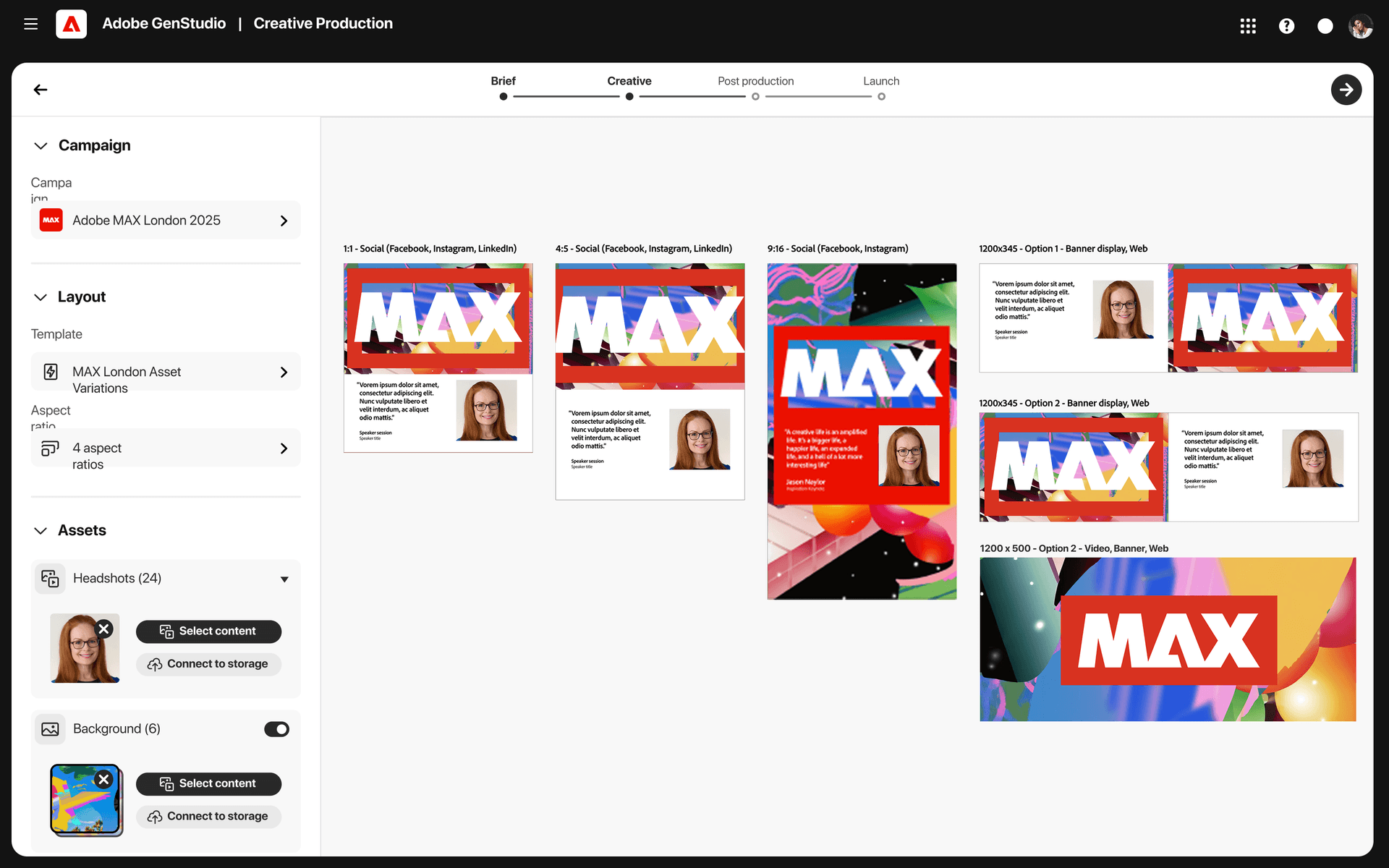
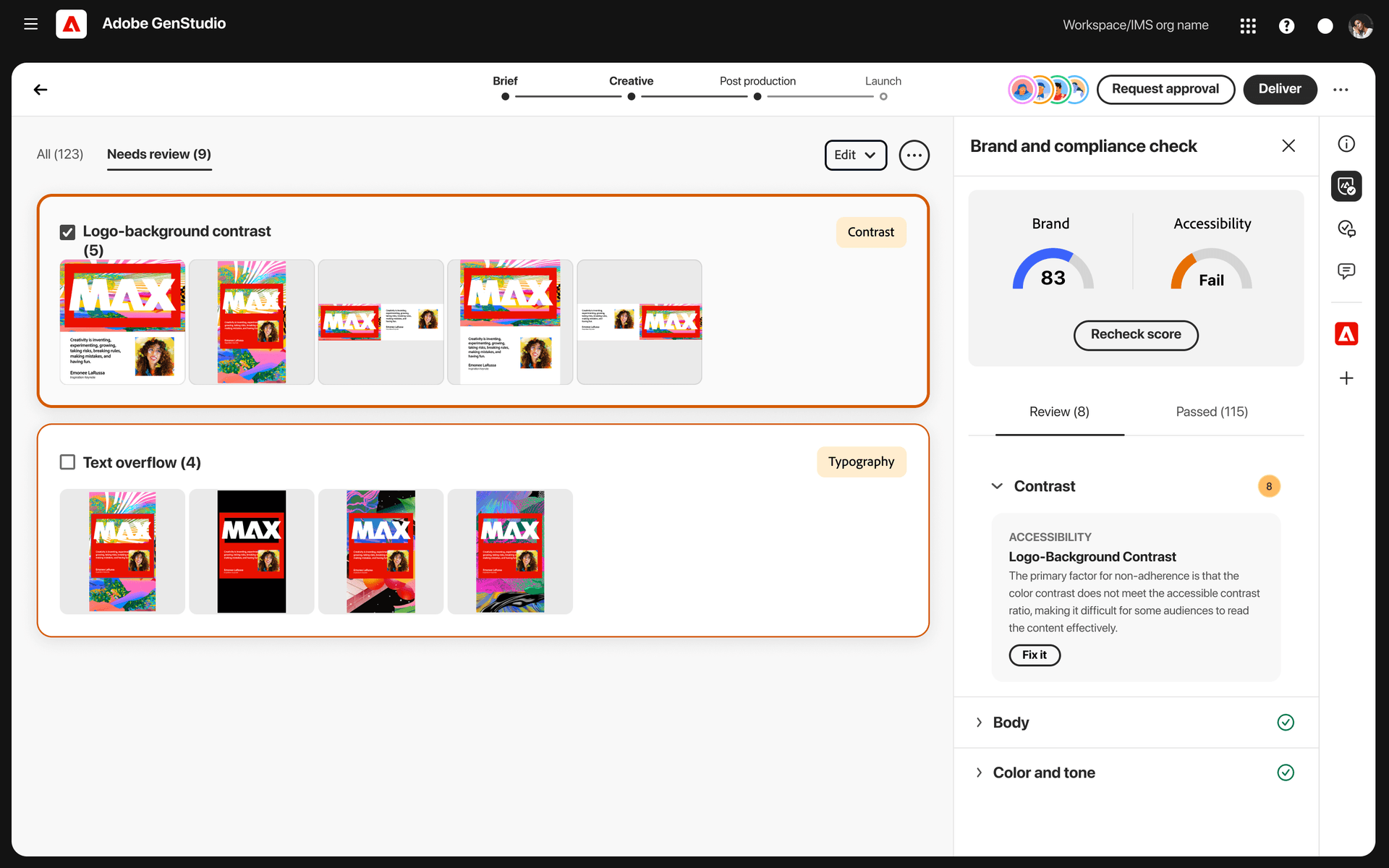
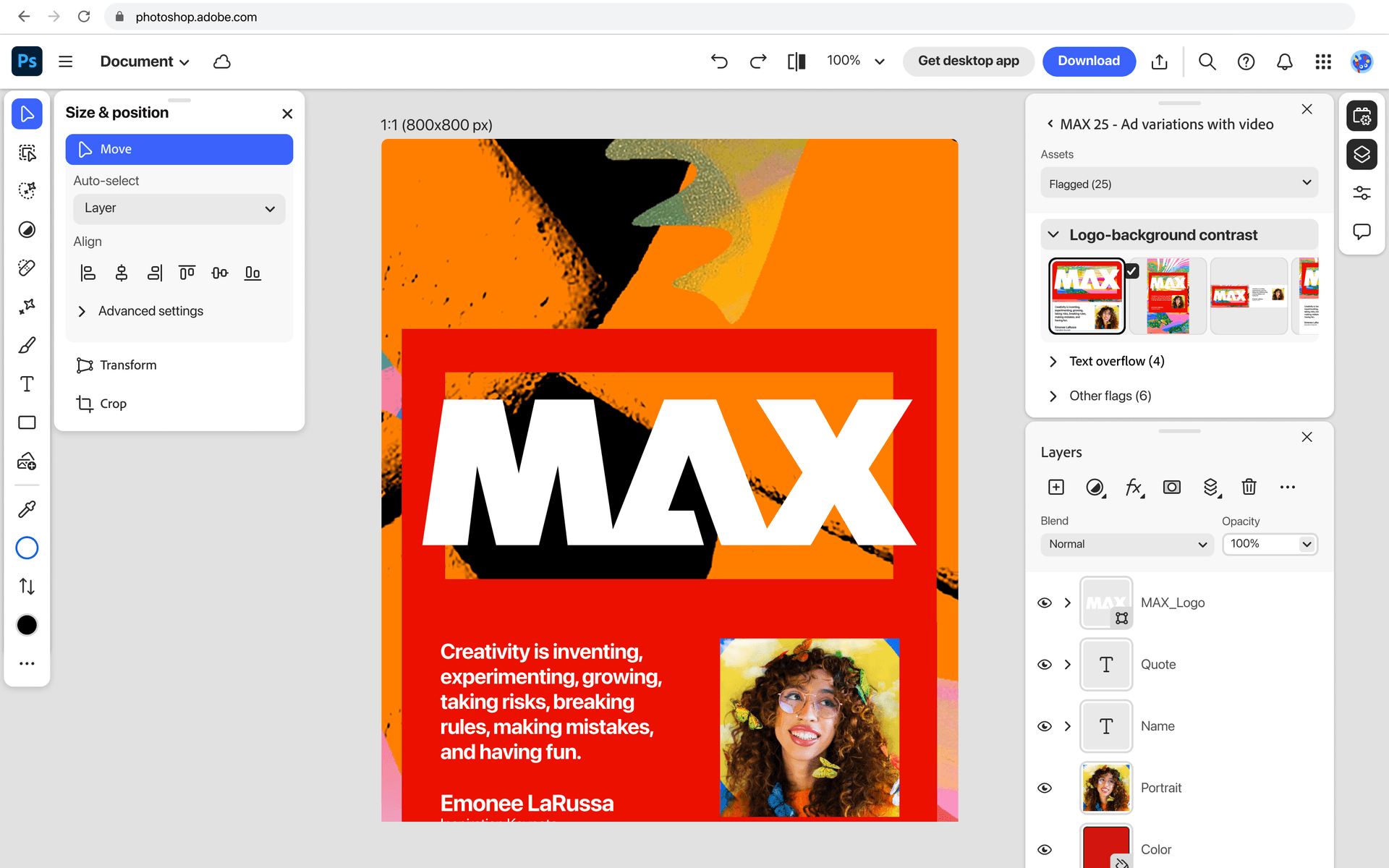
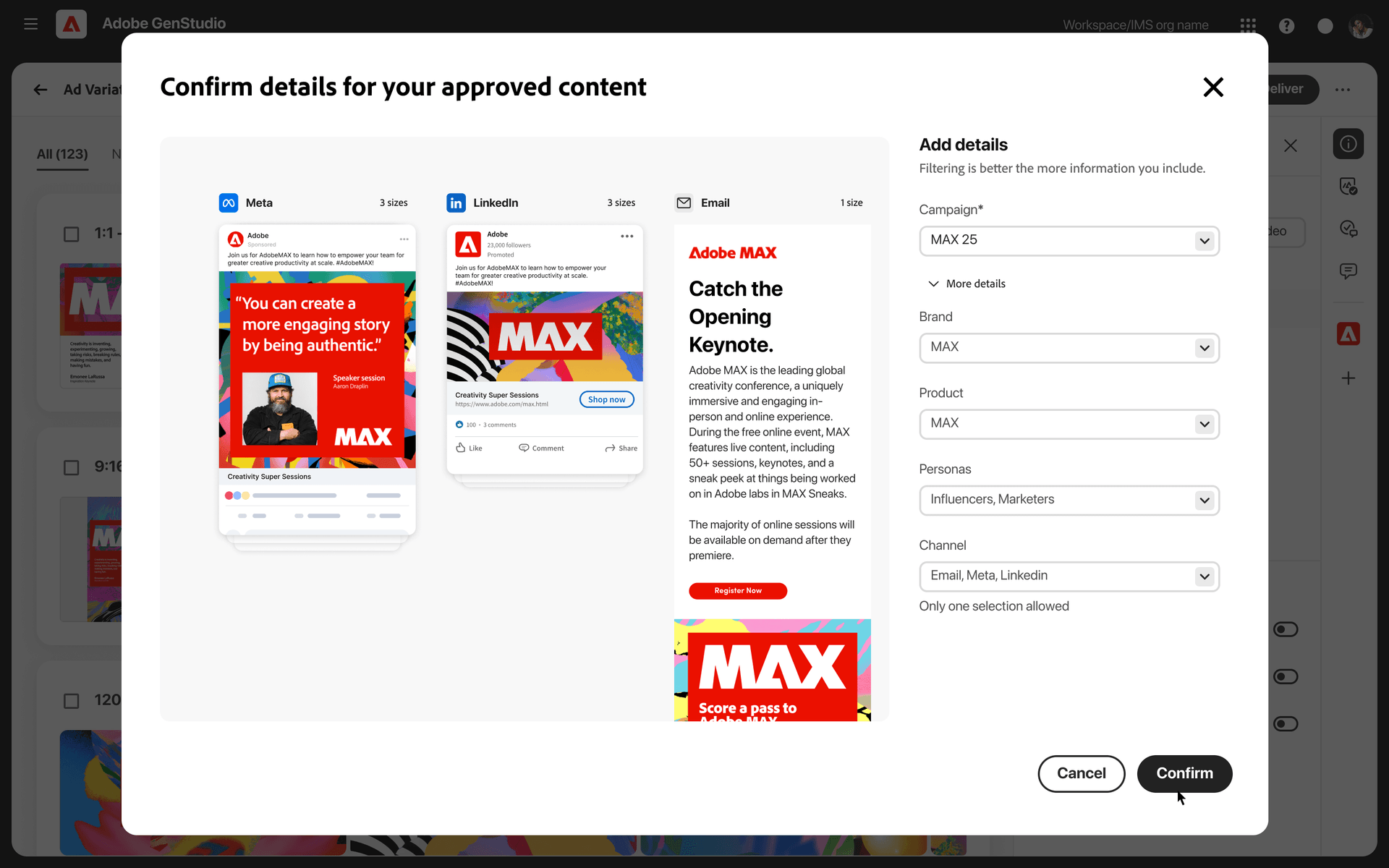
01. Open GenStudio
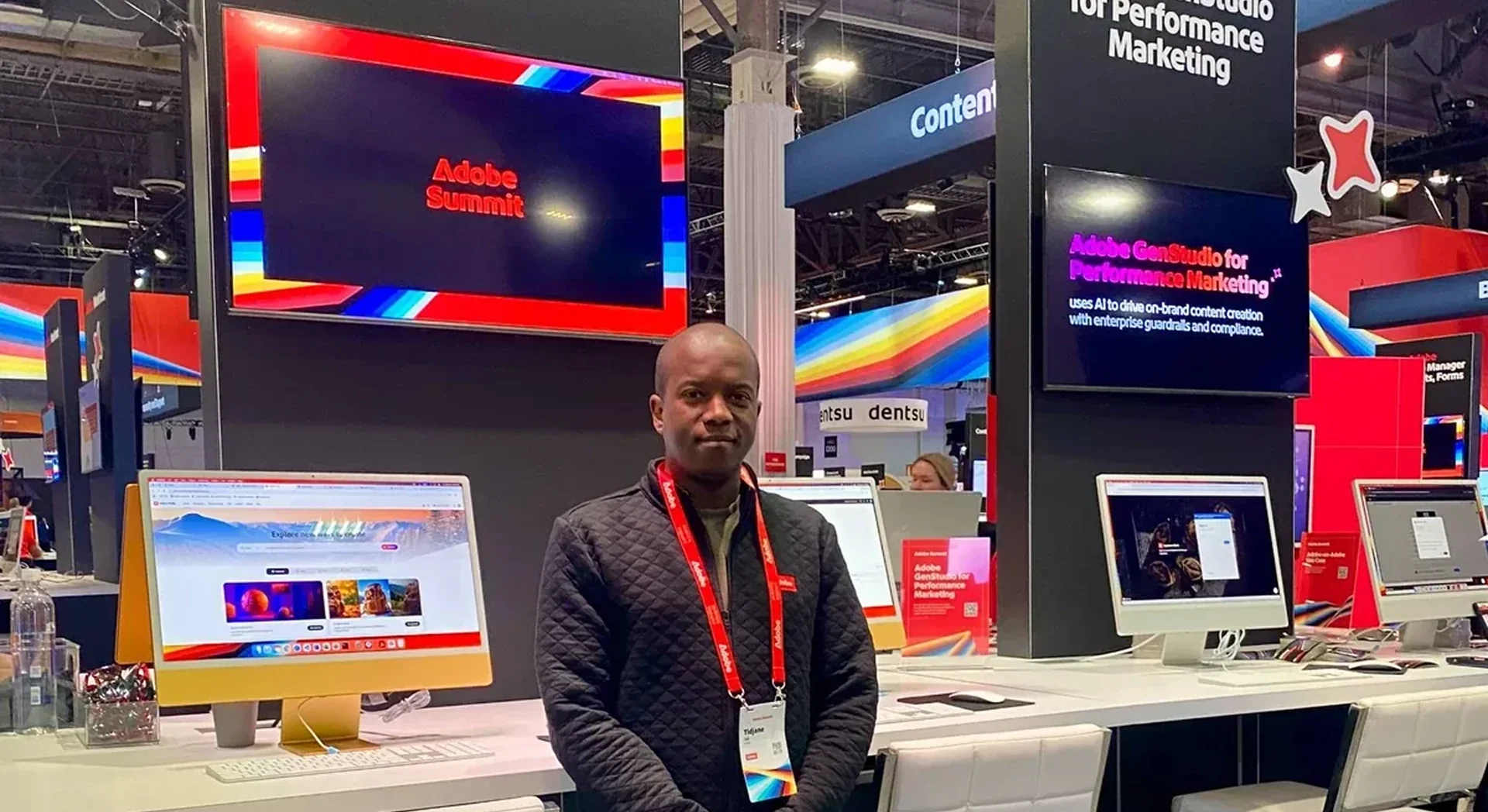
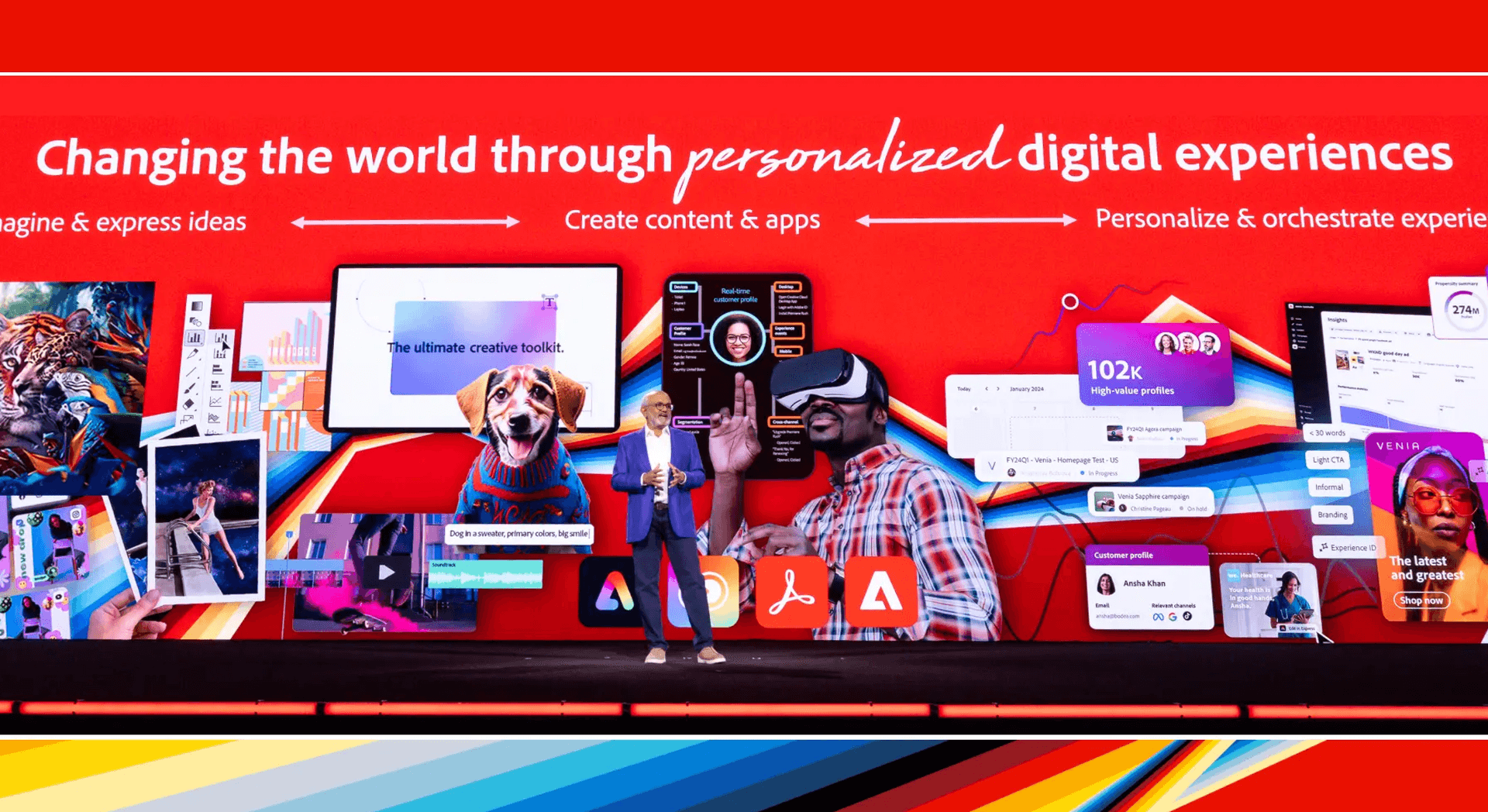
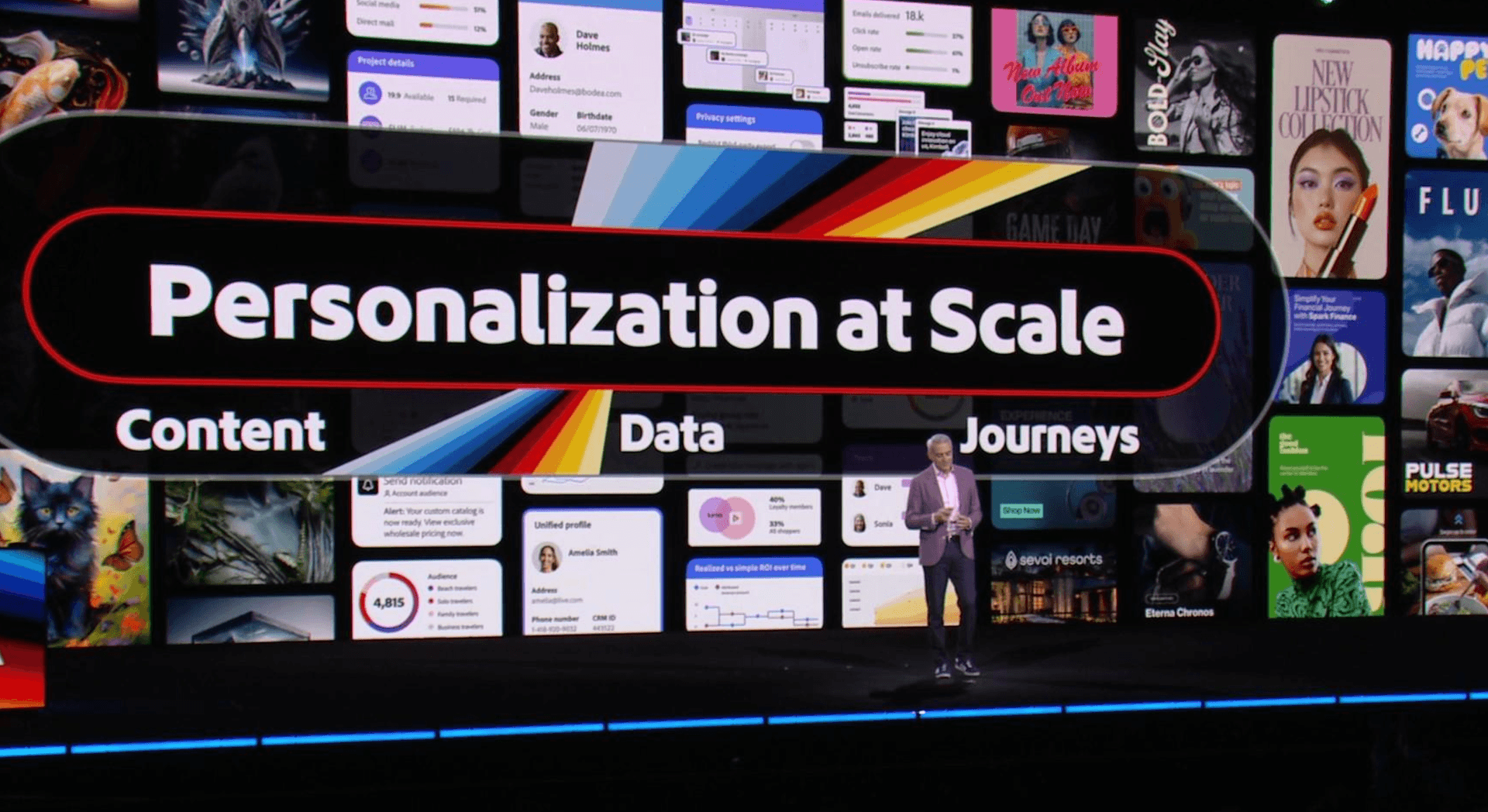
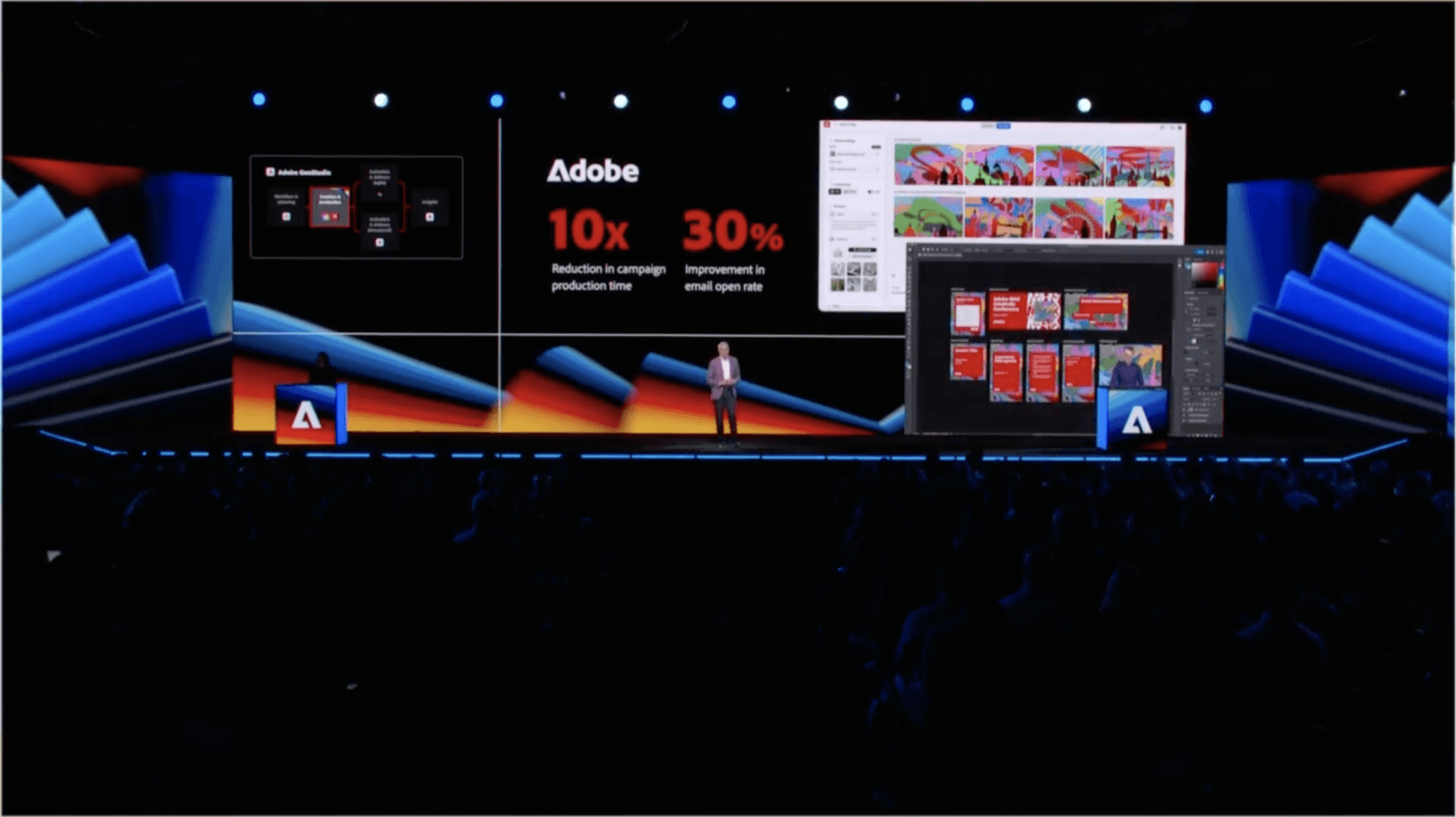
Adobe Summit, then the MAX keynote
Recommendations
 Adobe
Tidjane is one of the kindest, most thoughtful designers I’ve worked with. He listens deeply, takes feedback well, and consistently brings clarity by showing, not just talking. He’s the kind of person who observes quietly, then shares a solution that reframes the whole conversation.
We worked adjacent to each other on GenStudio, and I got to see him build a full design system that supported an entire ecosystem of tools. It was incredibly detailed, well-structured, and easy to build on. His files are a dream to work with — no extra frames or messy nesting, just clean, organized design that respects the next person in the file.
Tidjane is a rare kind of designer. He brings calm, clarity, and care to everything he touches. Any team would be lucky to have him.
 Richie Taylor on LinkedInDesigning the Future of AI Tools | Product Designer | Systems ThinkerAdobe
Working with Tidjane is always a pleasure. He’s one of those rare people who can tackle tough problems head-on, and make it look easy - all while bringing strong visual thinking and a solid grasp of the tech under the hood. Whether we’re brainstorming wild ideas or diving into tricky challenges, he’s a great partner to have by your side. Nothing ever feels too big or too impossible.
 Tomasz Opasiński on LinkedInAI Product . Future Creative Tools @ Adobe . Polymath
Shipped with
AI Researcher
GenAI model evaluation, quality benchmarks, accuracy tuning
Solution Architect
Suite technical architecture, API integrations
Lead Engineer
Bulk console build, canvas prototypes, GenAI API integration
Product Manager
Enterprise GA sequencing, stakeholder alignment
UX Researcher
Enterprise client interviews, usability testing
Sources and notes
2 references- news.adobe.comAdobe MAX 2025: Adobe announced Firefly Creative Production for Enterprise with a reusable workflow builder, over 20 generative and creative actions, and integrations with Adobe Experience Manager Assets and Frame.io.
- NoteAuthor-reported results from the original Adobe project: eight figures of added ARR, five products shipped for B2B and B2C, and a 10× reduction in production time for teams using the product. These are project results, separate from Adobe’s public product announcement.