






Sapiom logo
Sapiom

AI agent and workflow building platform

I designed agent workflows and shipped shared React components as Sapiom’s Founding Design Engineer.

  • AI agents
  • Workflow builder
  • Developer experience
  • Design systems

Project overview

  • Overview

    Founding Design Engineer

    Product design, React implementation, shared components, Storybook and launch demo.

    Team: Founder CEO, Engineering and AI Researcher

  • Problem

    Chat and workflow fell out of sync

    The early builder could accept a chat response without updating the workflow. Long replies buried decisions, making it hard to tell what an agent would do.3

  • Solution

    Build, revise and inspect one workflow

    Keep the conversation, editable plan and run evidence together. Show each change in context, with controls to revise the plan or stop a run.

Six internal creation walkthroughs and five change and recovery checks informed the interaction requirements. Prospect conversations informed realistic healthcare and marketing demos. With the founder, I examined the product boundary: agent creation and run inspection in Agent studio, with fleet administration treated as a separate responsibility.3

Preliminary market research

I compared how adjacent tools help people review a plan, edit a workflow and inspect execution. These patterns informed the builder’s responsibilities.
PatternReferencesDesign decision
Review before executionLet people correct the proposed plan through editable choices and confirm it before the build.
Conversation and workflowConnect each chat thread to its workflow and show the result of an edit in the plan.
Run inspectionShow run state and step outputs beside the workflow so a team can investigate unexpected results.
Patterns from product research and internal reviews.3
Cursor · review before action
Mastra Studio · development and evaluation
Product references reviewed during exploration. Interfaces belong to their respective teams.

A later comparison extends the project research with agent configuration, automation and evaluation capabilities.

ProductDocumented capabilityProduct implication
Gumloop5Guided setup, connector accounts, per-tool approvals and task-level costs.A task needs explicit access and action boundaries, not only a prompt.
Zapier6Copilot builds and revises automations in context. Building and testing are separated from live task usage.Keep configuration, testing and live execution distinguishable.
Mastra7Workflow graphs, step execution, tool outputs, errors and repeatable evaluation datasets.Make it possible to inspect an output, revise the agent and test the change.
Comparison based on official product documentation. Implications describe design opportunities, not Sapiom feature parity.

Visibility is more common than evaluation

Some observability
89%
Offline evaluations
52.4%
Online evaluations
37.3%
LangChain’s survey of 1,340 respondents. All figures use the full, self-selected sample; practices overlap.4

Inspection is only part of verification. Anthropic’s evaluation guidance distinguishes the execution record from the actual outcome, such as whether a requested action changed the system.8 Gartner’s June 2025 forecast projected that over 40% of agentic AI projects would be canceled by the end of 2027, citing cost, unclear value and inadequate risk controls.9 Together, these sources frame a product requirement: expose what ran, what changed and what it cost. They do not measure Sapiom’s results.

Connecting chat, workflow and run details

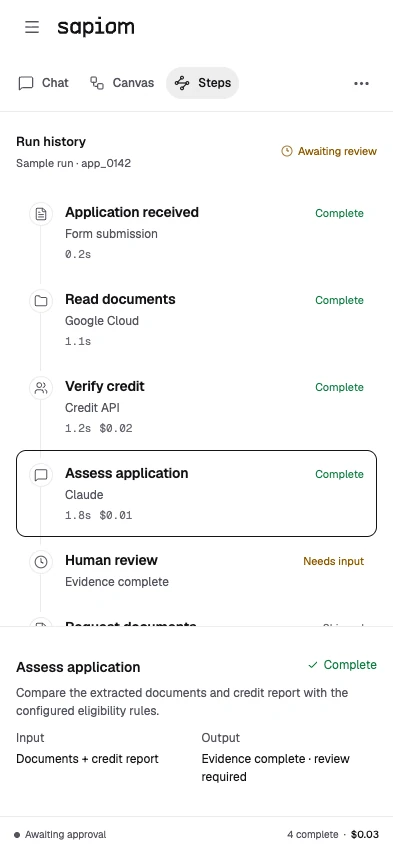
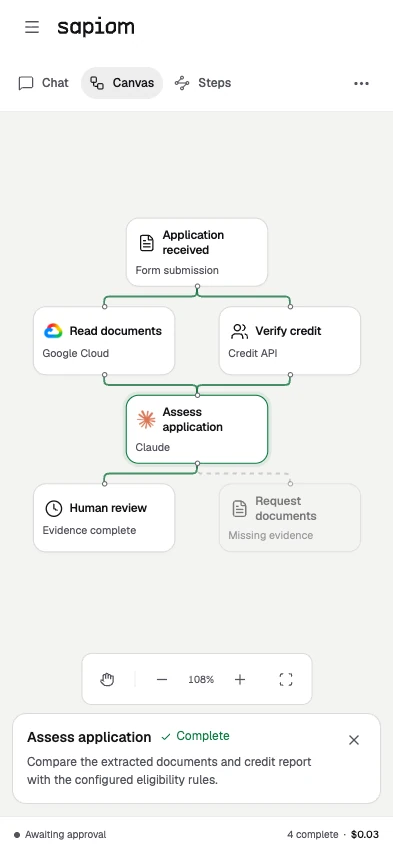
Each workflow keeps its conversation, plan and run evidence together. On desktop, chat sits beside Canvas and Steps so a team can revise the plan or inspect an output without losing the selected task.
Interactive Agent studio prototype with example workflow data.

In internal walkthroughs, I checked free-text answers, changes to confirmed choices and step removal. I refined selection across chat and the workspace, and made Stop preserve the text already on screen.3

Release a spending hold, follow the run, then inspect Steps and Canvas. Product demo with sample data.

From building an agent to operating it

The web console gives teams a shared entry point for Agent studio, Router and Runtime. Agent activity, usage and connected accounts stay accessible as work moves from an individual workflow to a fleet.

Start in one workspace

Choose a product, continue an agent or start from a template.
Web console: product entry points, agent operations and connected accounts. Screens use sample data.

Agent studio on mobile

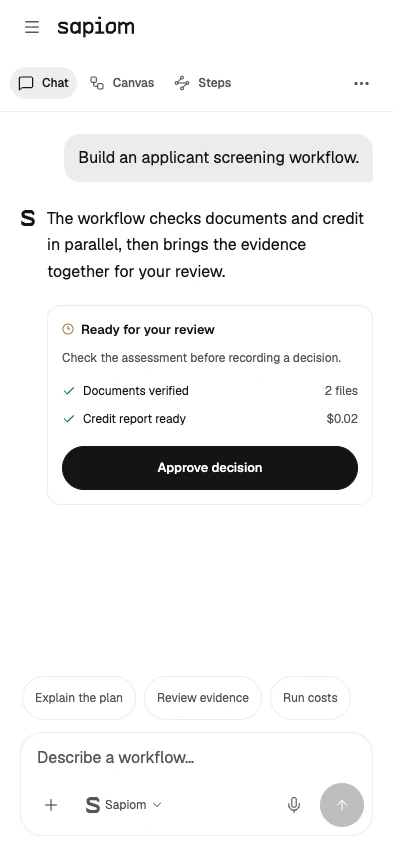
On phones, chat and the workflow each get the full screen. Developers can switch between the conversation, Steps and Canvas while keeping the same workflow selected.

Review in context

Keep the request, response and approval together. Review the decision before the workflow continues.
Chat, Steps and Canvas share the same workflow context. Each interactive example uses sample data.

Shared components and code

I built shared React components and documented their states in Storybook. The examples cover selection, streaming replies, approvals and interruption.
Canvas
#f4f4f2#0b0e13
Surface
#ffffff#12161d
Action
#141417#f4f4f5
Positive
#0f7a40#8ce3b0
Attention
#8a5800#eec584
Critical
#b02a26#f4a09d

Build with a clear plan

Title · 22 px / 600

Review each step before your agent runs.

Body · 14 px / 400

Ready for review

Label · 12 px / 400
Controls 10 px radius
Cards 14 px radius

One radius for controls. One for content.

4 px
8 px
16 px
24 px

44 × 44 px minimum touch target.

Explore workflow controls, approvals and conversation states.

My merged contributions connected chat threads to workflows, consolidated the folder picker used across the builder apps and showed builder stages, evidence and cancellation inside chat. These changes were reviewed in the design repository. I used TypeScript and Tailwind, Figma for exploration, and Cursor and Claude Code for coding assistance.3

Preparing the launch demo

I built repeatable Agent studio and Router demos for recording and hands-on exploration. The sequence followed one task from agent creation to execution and usage costs. An early 52-second concept film tested the story before final production.
Initial concept film, 52 seconds.
  • Establish the workflow

  • Show execution state

  • Connect the conversation

Storyboard studies from product exploration.

Build

Turn a task into an agent workflow.
Agent studio and Router demo states from the working prototype and recording script. Sample data.

Three products, one platform story

A shared homepage introduces the platform. Dedicated pages explain model routing, agent creation and execution, each with a focused product demonstration and a clear developer entry point.

Homepage

Introduce the platform through the products working together.
Homepage and product pages for Router, Agent Studio and Runtime. Interface examples use sample data.

Product launch and results

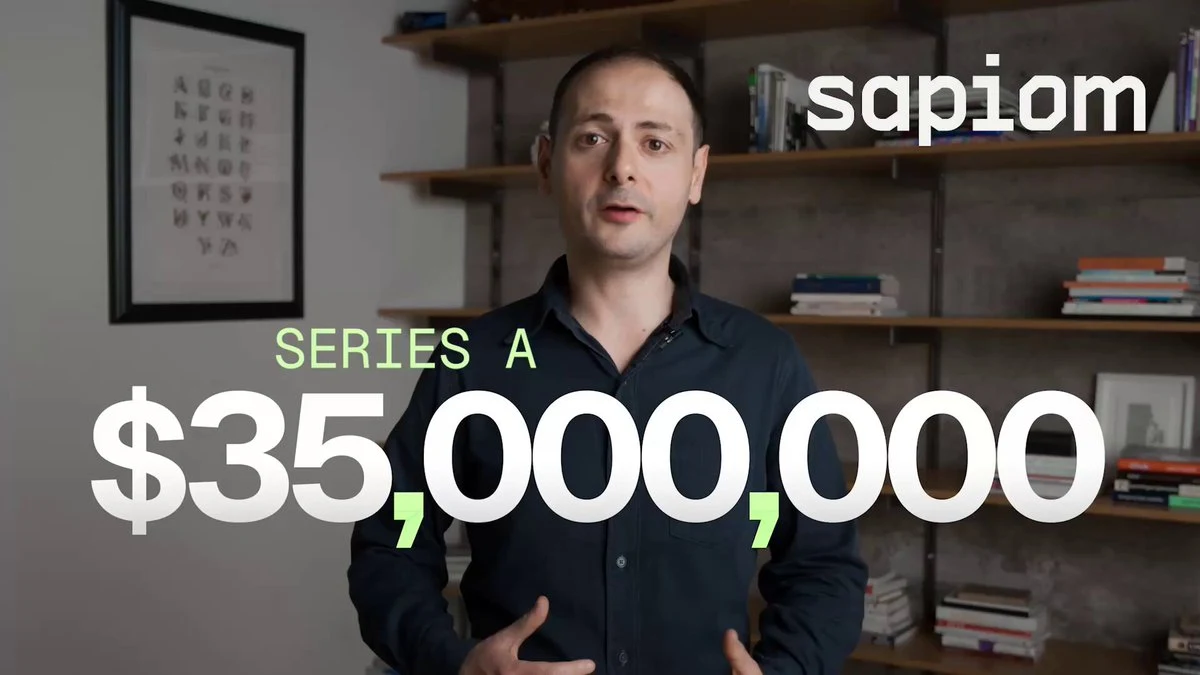
Sapiom introduced Router, Agent Studio and Runtime alongside its Series A. Design and development continued after launch.
$35M
Series A1
2M+
Launch-post views2
67
Media placements2
The final launch film, published by founder Ilan Zerbib.

Sources and notes

More work

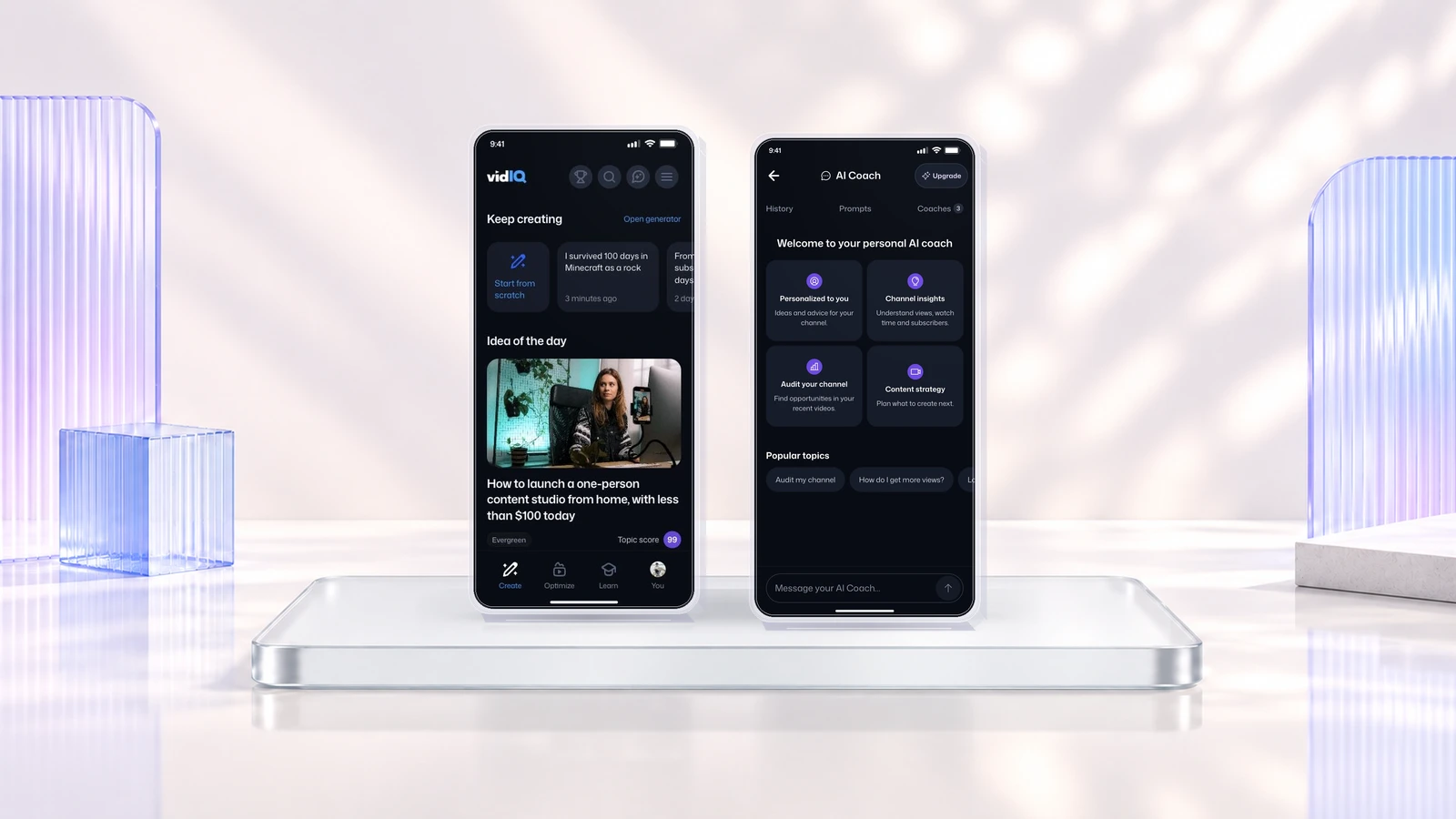
vidIQ discovery, title generation and AI coaching on three mobile screens.

vidIQ

AI agent companion and coach for content creators

Memoory's topic selection and video clip editor shown on two phones.

Memoory

Recording and sharing stories on mobile.